
NEW FEATURE

Your Memories, Clipped for you.

Key Moments scans your video tapes and selects memories for you to enjoy, automatically.

EverPresent’s App now has a new Key Moments feature that makes watching newly digitized video tapes and DVDs much easier! Our App picks up on Key Moments and does three different things within our App:
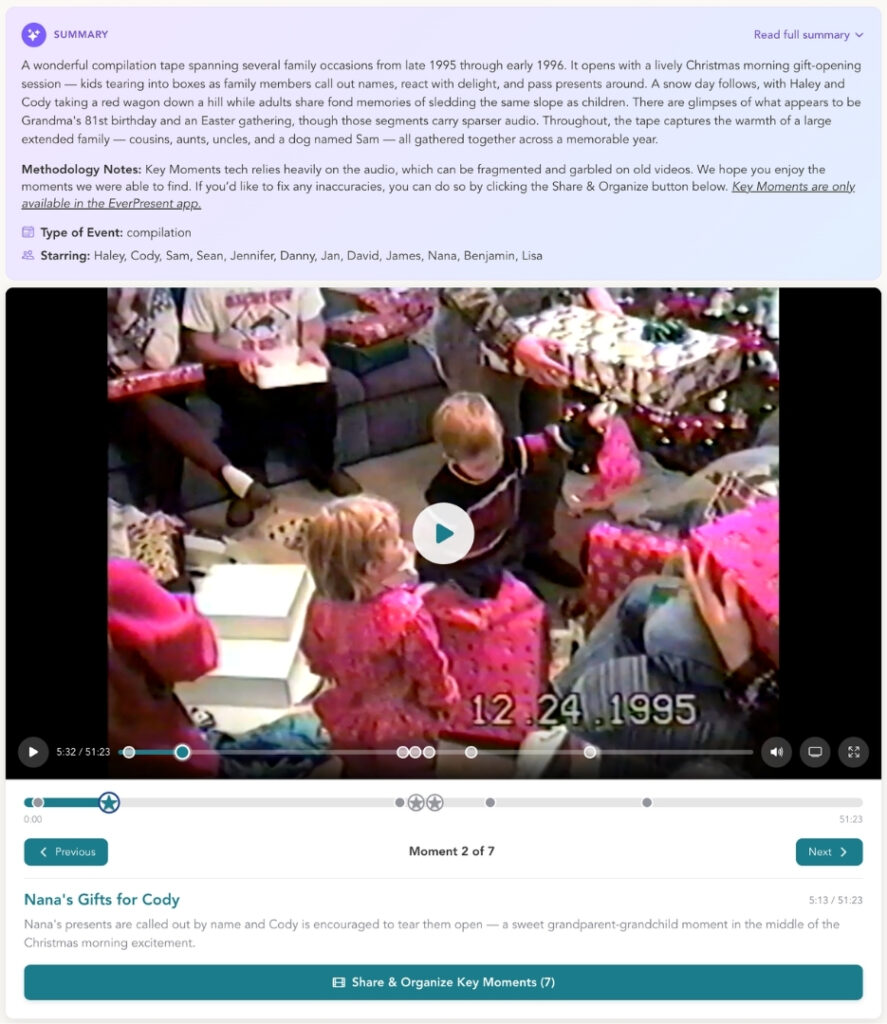
  • Creates an overall written summary of the video’s content, including listing the people’s names who appear in the video, and exactly what is happening
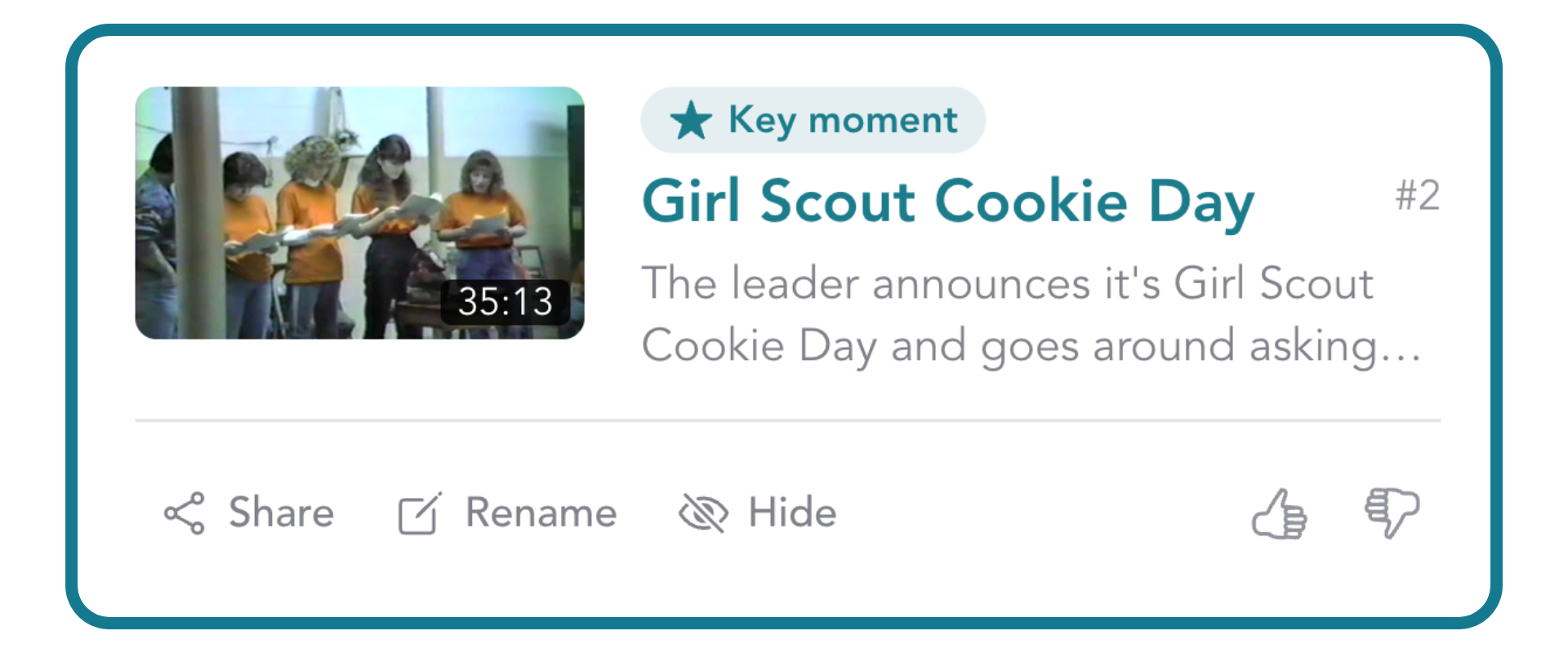
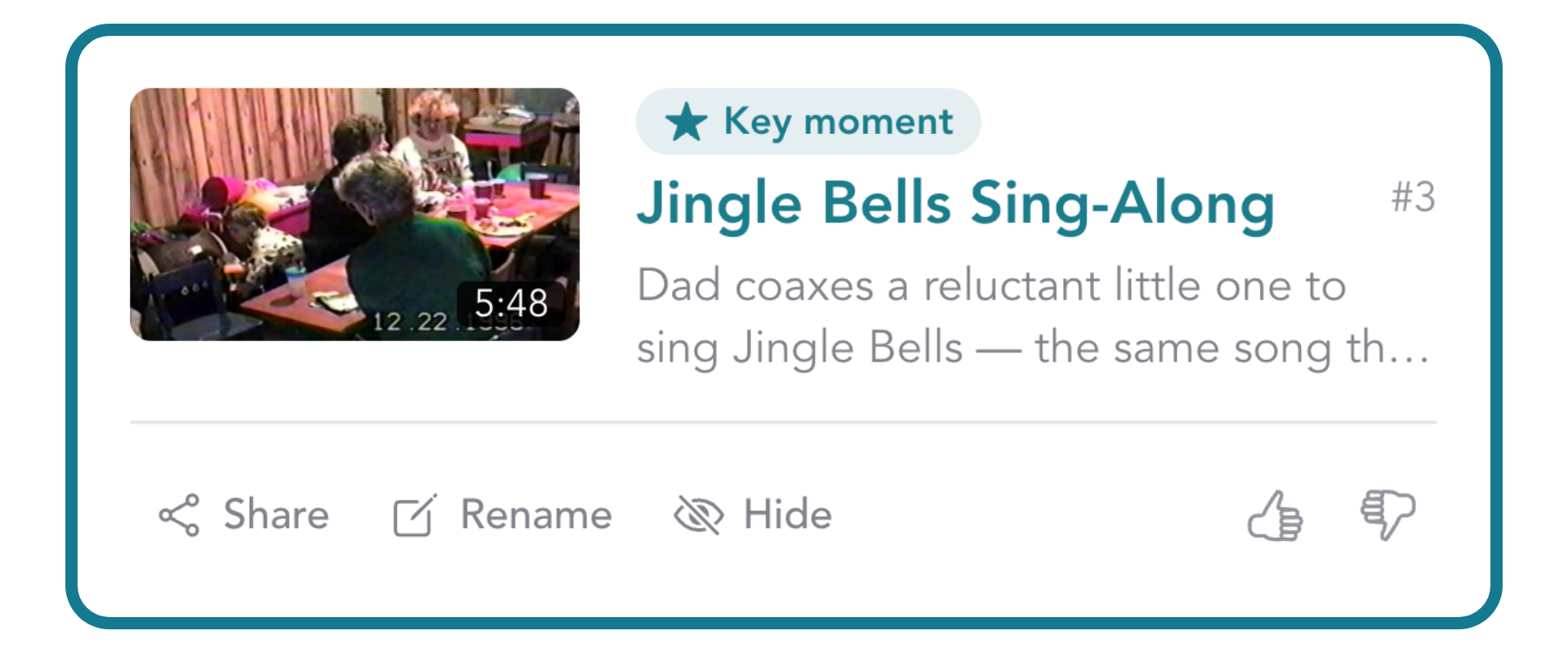
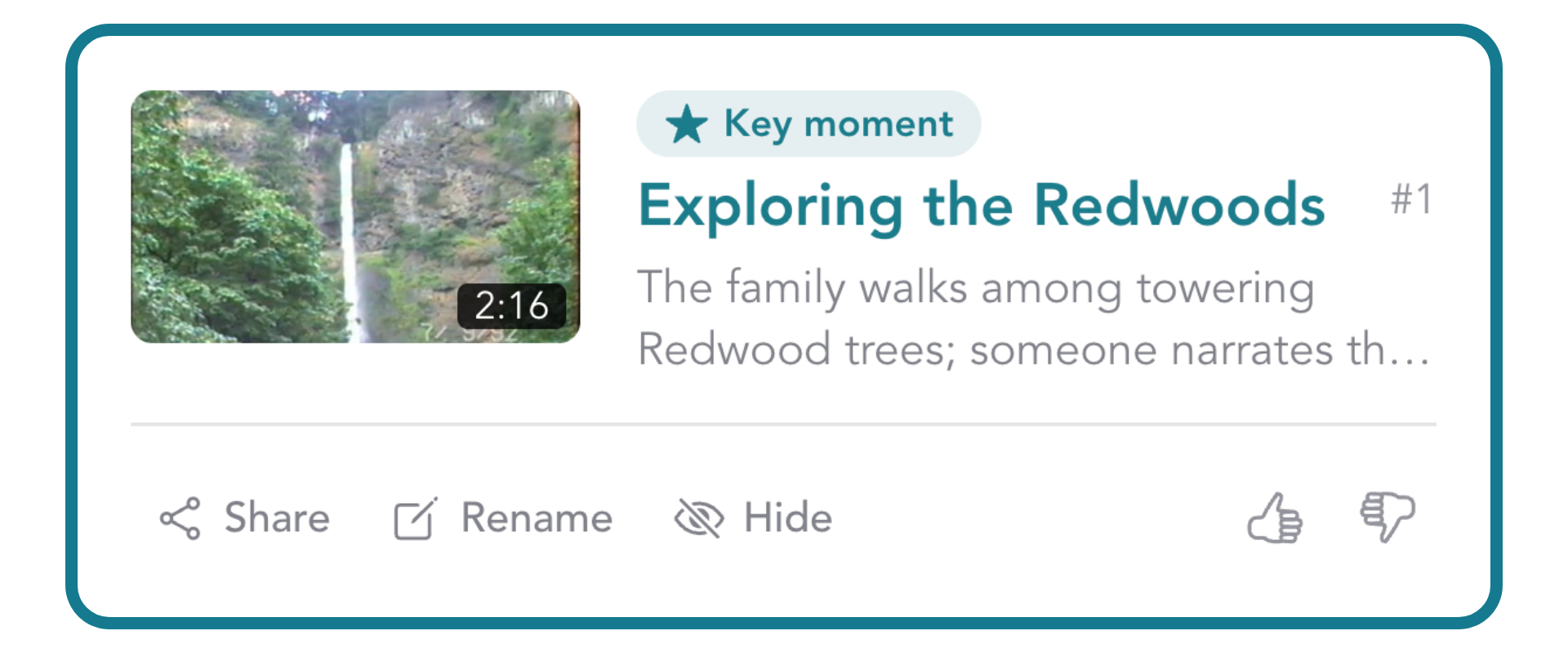
  • Creates clips in the video player of Key Moments that you can click between, including a title for the Key Moment
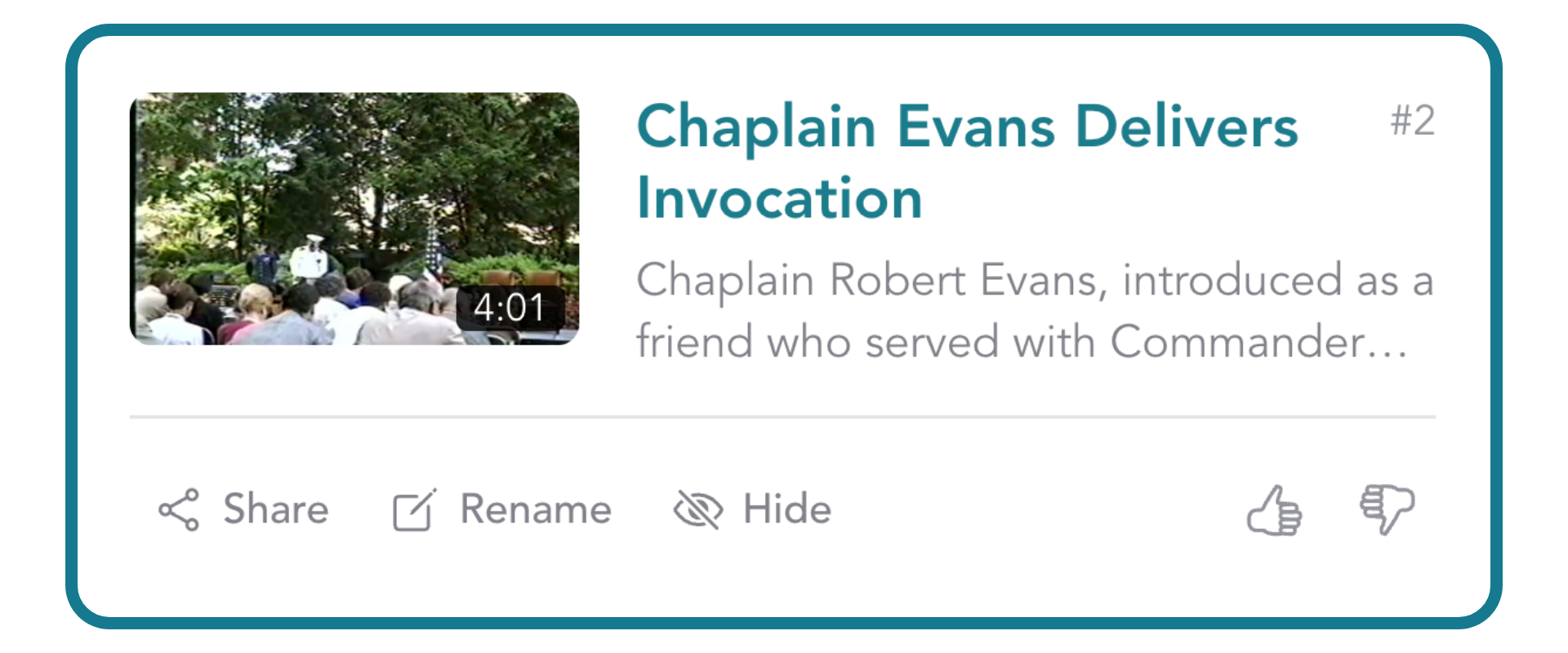
  • Creates a summary view of the scenes in each video, where you can edit their titles and descriptions and share them individually
ARRANGE SERVICE

Why This Matters

The average video tape is over one hour long, and the average family video collection exceeds 30 hours of footage. This is a good problem to have, but a problem nonetheless. Large files can be hard to share. Reviewing and editing videos can be complicated and time consuming.  EverPresent developed Key Moments to address this. Within minutes of opening your newly digitized video archive, you’ll be viewing and sharing the best clips with your loved ones!

frequently asked questions

Key Moments is only available in the EverPresent App. It is designed to make your video archive easier and more enjoyable to explore right from your phone or other supported device. Log in using your project’s email address here: app.everpresent.com

Key Moments makes it easier to:

  • Jump between highlights: Browse individual Key Moments directly within the video player.
  • Understand what’s in your videos: See titles and written descriptions of what is happening in each moment.
  • Get an overview of your video: View a written summary of the video’s content, including the people and events identified in the footage.
  • Share highlights: Share individual Key Moments with family and friends.
  • Edit and personalize: Update the titles and descriptions of individual Key Moments.

Yes! You can edit the titles and descriptions of individual Key Moments in the App, so you can personalize them, adjust spelling, and make them more meaningful to your family. Click Share and Organize Key Moments, and then click the Rename button within the individual Key Moment.

Yes. You can share individual Key Moments directly from the Key Moments scene view in the EverPresent App, making it easy to send a favorite memory to family and friends without having to share an entire video archive.

Click Share & Organize Key Moments and then click Share in the Key Moment of your choice. You can then send via Facebook, Twitter, email, or copy the link to send however you’d like.

Key Moments currently applies to video footage with audio from: video tapes, DVD transfers, and film reels with sound.

No. Key Moments is included at no additional cost with all EverPresent service and package levels.

No. Key Moments is included automatically with eligible video footage. Once your digitized videos are available in the EverPresent App, you can use the Key Moments feature to start exploring your archive.

No. Key Moments is designed to make your existing digitized videos easier to explore. Your full video remains available, while Key Moments provides an easier way to find and share highlights.

Fill out this form or give us a call