
8mm Tapes to digital service

  • Bring us any format and get a no-obligation estimate
  • AI upgrades to HD, repairs and label transcription
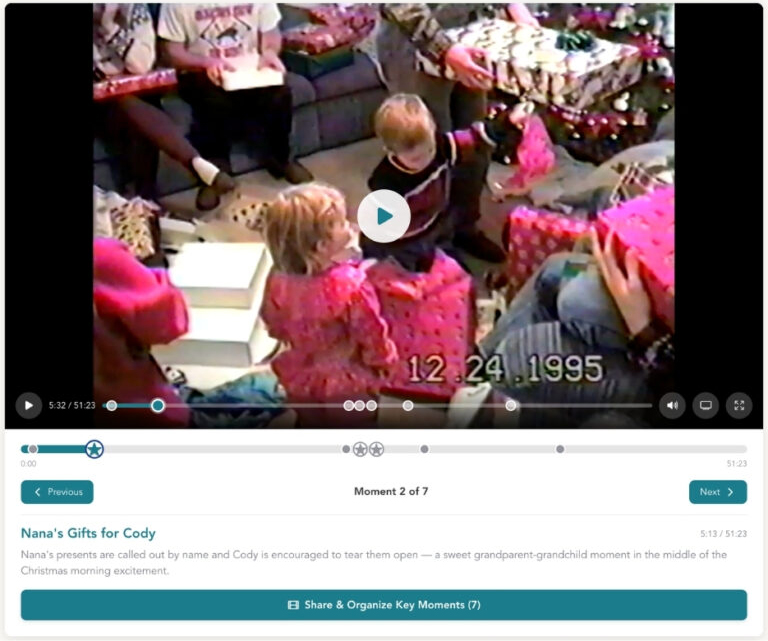
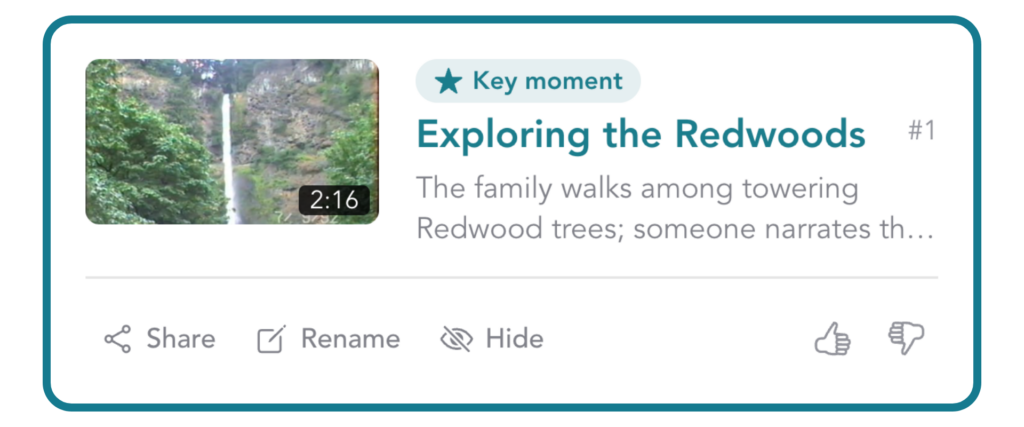
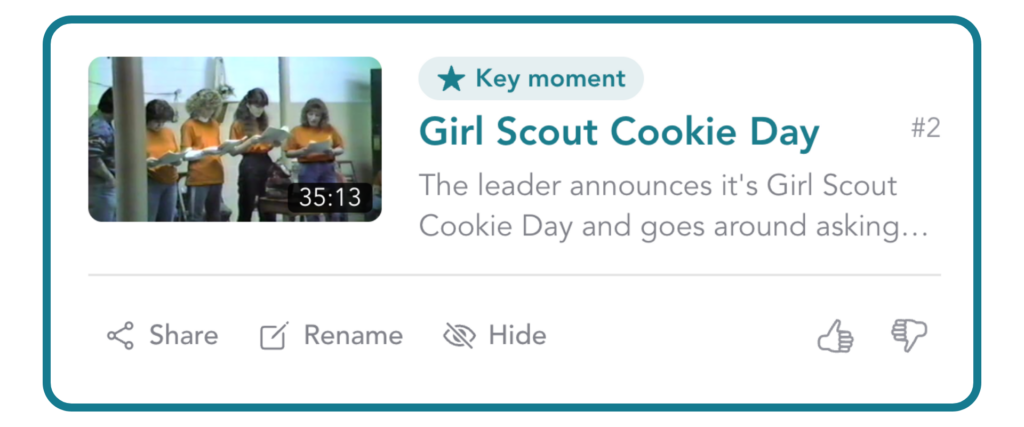
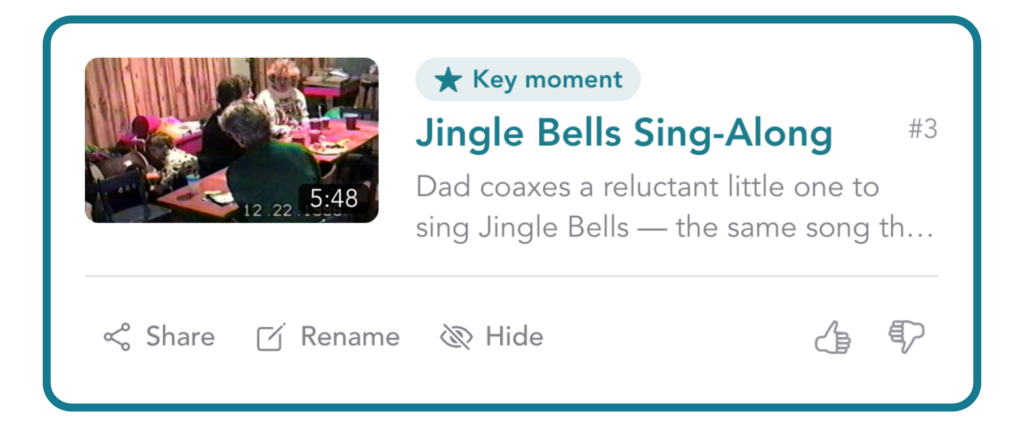
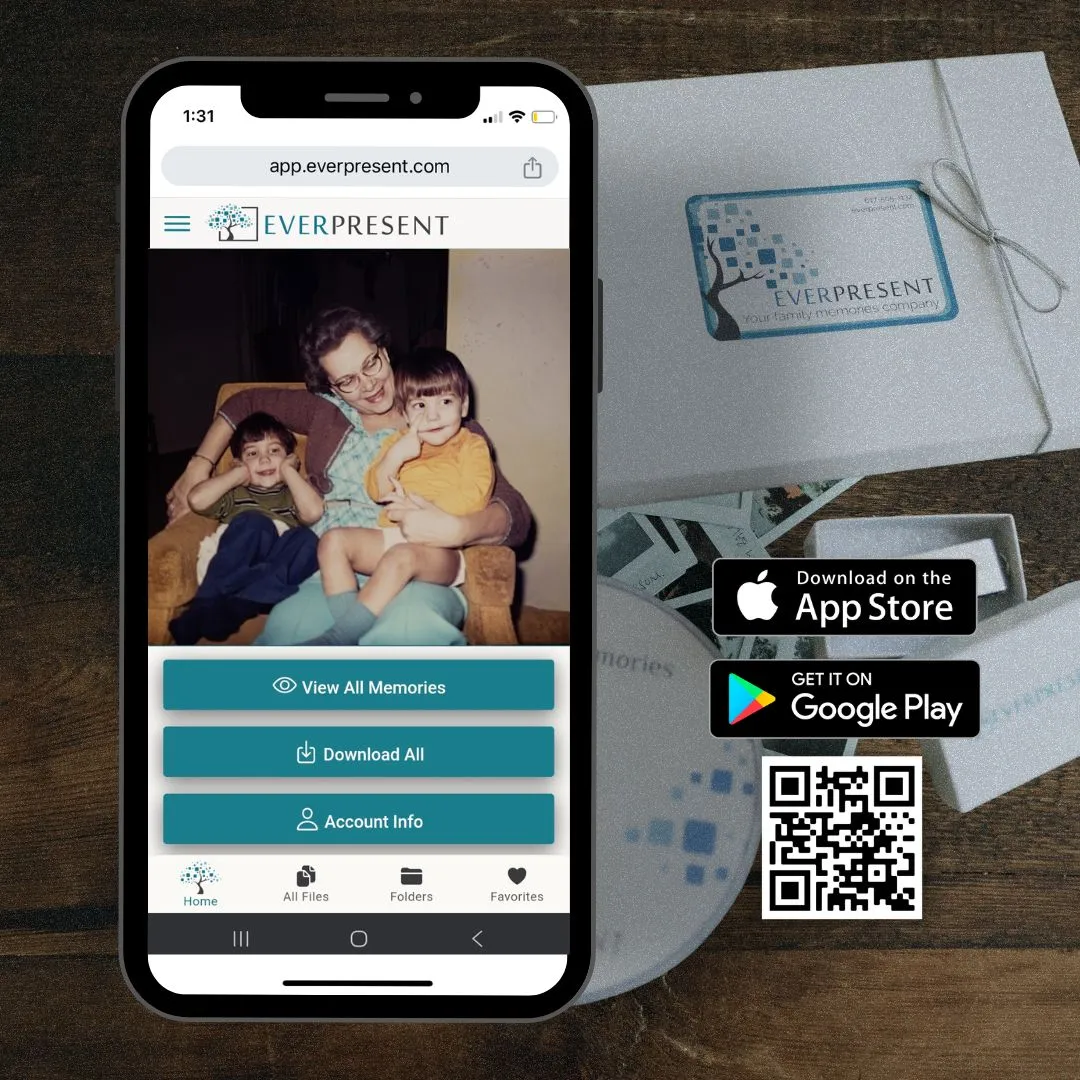
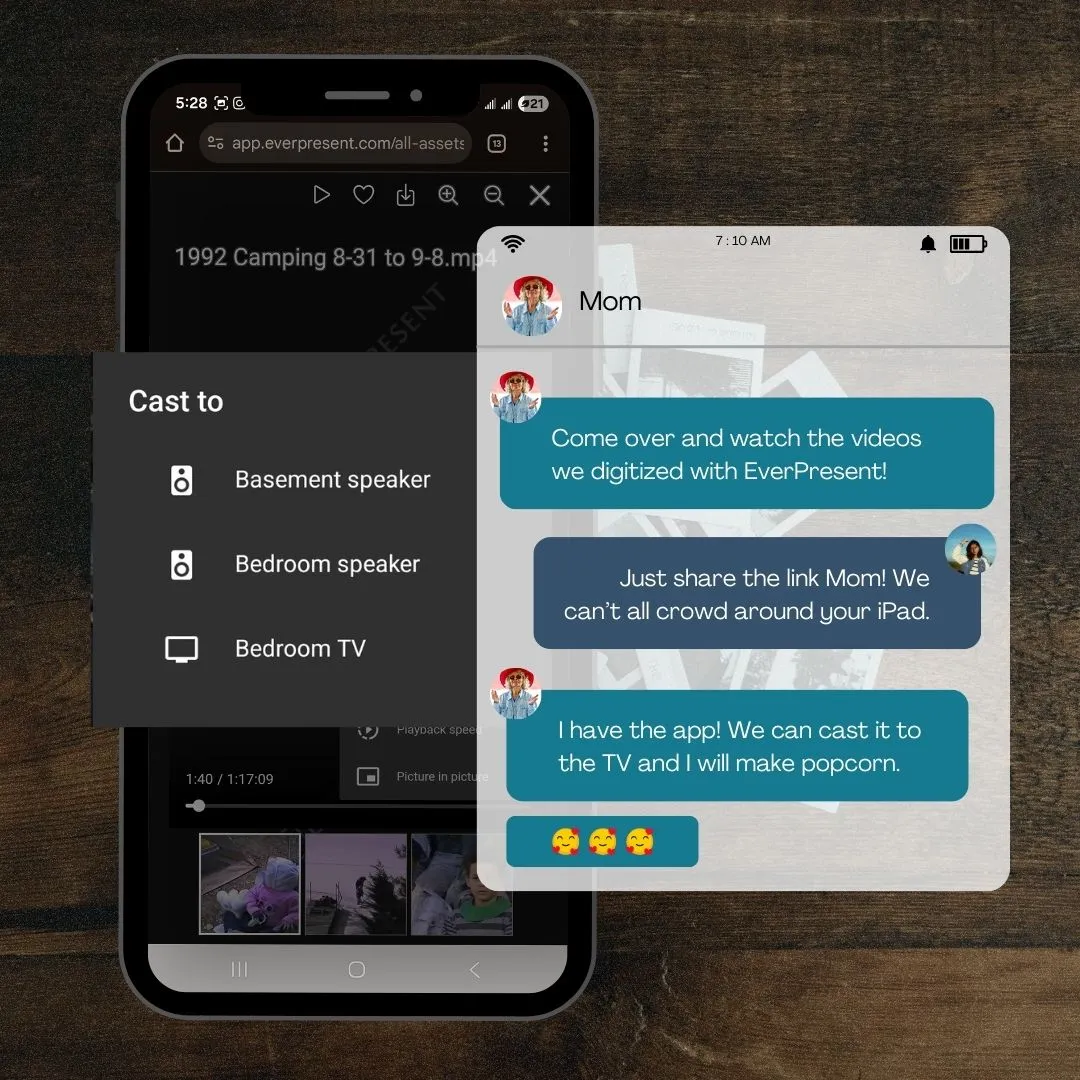
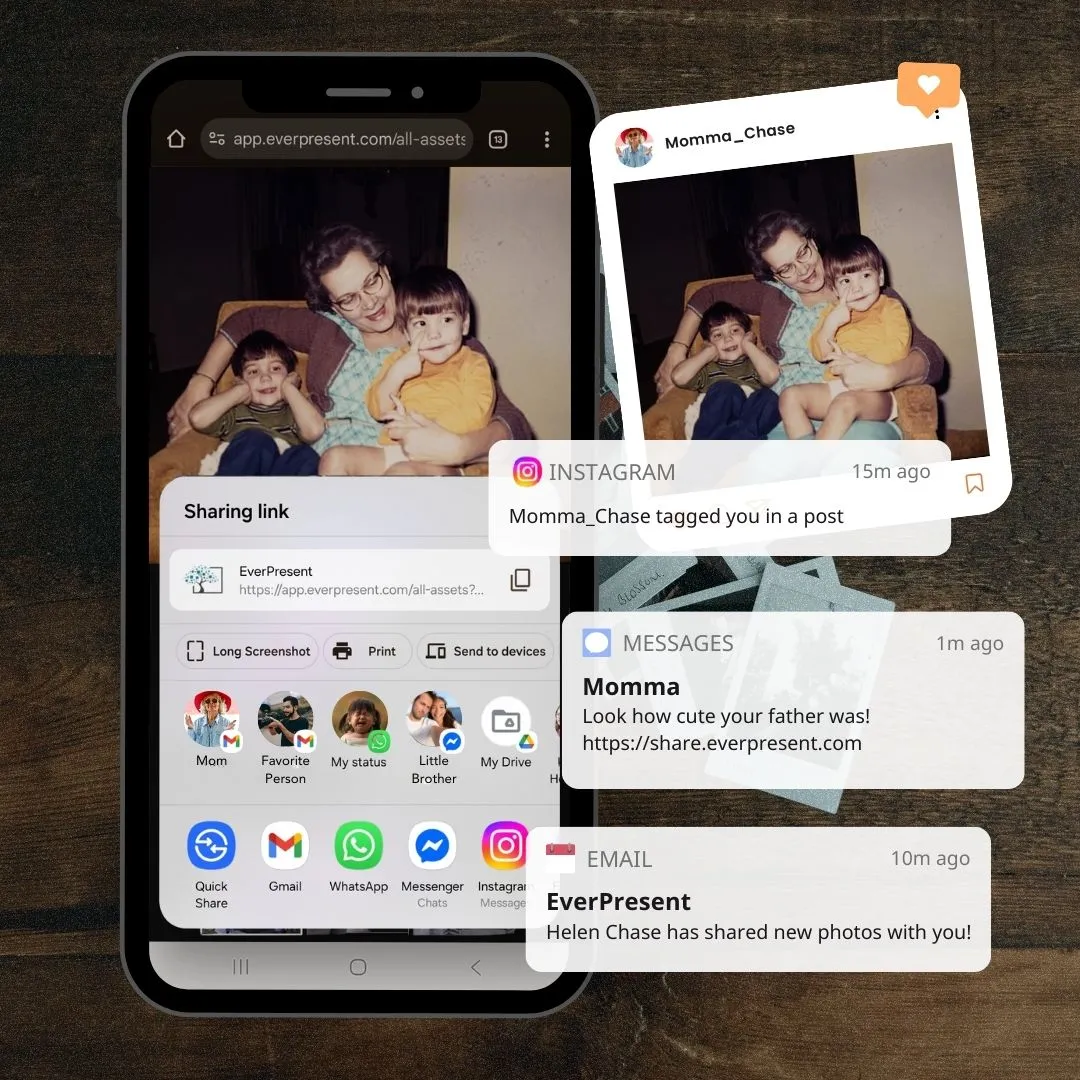
  • Enjoy our app for easy sharing, streaming & secure backup

100,000+

FAMILIES & INSTITUTIONS SERVED

130+

CONVENIENT
locations

90,000+

video tapes
converted per year

115+

DEDICATED
employees

5 million

IMAGES
scanned per year
Home » Video Transfer Service – Convert Home Videos to DVD » Convert 8mm Tapes to DVD & Digital Services

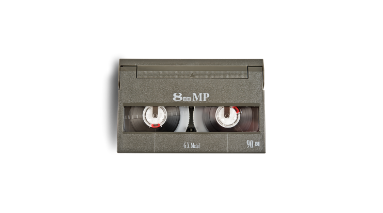
If you’re looking to digitize 8mm tapes, then you no doubt had the pleasure of recording them in the 90s. They still bring a smile to our faces too! These Hi8 tapes were small, which meant the cameras were genuinely portable and pleasant to use. Our team of over 80 technicians loves to convert 8mm tapes to digital as they tend to be full of kids playing sports, graduating, getting married, and generally living their best lives. We’ll be pleased to provide you with high-quality transfers of hi8 to the digital format of your choice, including USB, DVD, or cloud archives, all labeled and organized. We look forward to hearing from you. Don’t be shy with any questions!

EverPresent's owners Eric and Jennifer Niloff on the production floor with Winston, the mascot dog

Our Mission

“By making the hard work of digitizing and sharing easy for our clients, we will preserve our world’s history before old formats fade and family stories are lost to time. Our ultimate goal is to make your best memories EverPresent in your life.”
– Eric, Jennifer & Winston

ARRANGE SERVICE

Why Choose Our 8mm tape to digital service

TRUST

Over 100 million memories preserved, 30+ years experience, 115+ expert technicians. Alarmed, camera-monitored, US-based, high-tech labs. Human quality control process. Advanced barcode tracking to keep you updated by email and text.

VALUE

The size of our company allows us to provide more for less. We’ve invested in the best film & video technology so you can benefit from high-resolution or file format upgrades, a hybrid of AI enhancements and human quality checks, organized files and transcribed labels.

Cell phone showing a video file on the EverPresent App home screen

SECURE

You should NOT have to risk your family memories getting lost or damaged in the mail. We run a private logistics network between our clients homes, our 130+ local stores and our high tech labs nationwide. Your materials will be binned and barcoded, and we’ll provide you with updates throughout.

RESPECT

No upfront payments and no rushed decisions. We never ask you to do work to make our job easier. Feel free to send your collections in their original containers, boxes and cases. We’ll count them for you, provide a no-obligation estimate, and keep everything in order.

We Convert 8mm Tapes to HD

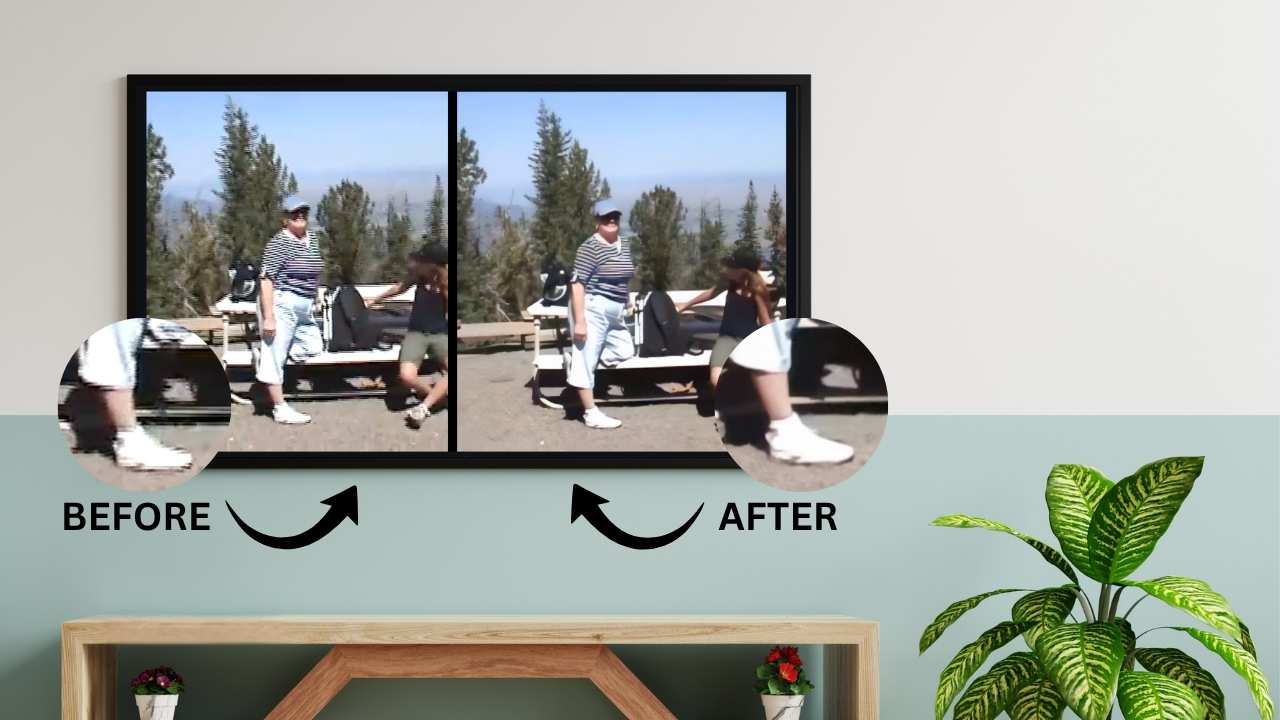
Our optional AI enhancement tools can:

  • Upscale standard definition footage to HD – great for your TV!
  • Stabilize motion and reduce interlacing artifacts
  • Improve overall clarity and reduce visual noise


Across all analog formats we use artificial intelligence as a support tool, not a substitute for human expertise. AI assists with stabilization, cleanup, and consistency, allowing our specialists to focus on judgment, quality control, and preservation decisions.

We don’t apply the same approach to every format, and we don’t automate simply for speed. Slides demand different care than VHS tapes; audio requires different judgment than film. Each project is reviewed by people who understand the material, the era it came from, and the responsibility that comes with preserving it.

Every order reflects the same philosophy: thoughtful technology, human oversight, and respect for the original.

A collection of editorial logos that have featured EverPresent: TopTenReviews, New York Times, Wall Street Journal, Better Homes & Gardens, Real Simple

costs to digitize video tapes

Ultimately, what we care about is helping families do this video-tape-to-digital project ONCE – and do it right the first time.

  • Finding the right video transfer service for your needs can be tricky. That’s why our team will walk you through the technical options in advance before you commit to anything. It’s free to get your materials to us for an estimate and there’s no upfront payment.
  • We don’t promote flashy discounts or expiring coupons. We offer volume discounts because it’s fair, and we apply them automatically.
  • Currently we offer the widest range of options and capabilities to ensure your project gets what it needs, but out of respect for your budget, never more than it needs. In our business, one size rarely fits all (or fits in a box).

Select a tab below to learn more about pricing packages:

Digital Package

First 10 Tapes: $21.99/tape
Tapes 11-20: $19.99/tape

$16.99 for tapes 21+


This 20% bulk discount will be applied automatically!

  • Digital transfer to Mac/PC compatible .mp4 files
  • EverPresent mobile/web app with 60-days private cloud storage
  • 60-days unlimited sharing and downloading
  • Included: VHS/VHS-C, Hi8/8mm/Digital8, MiniDV, Betamax
  • Add $10: PAL, SECAM
  • Add $20: U-Matic, Betacam, DVCPro, etc.
  • Custom video editing ($100/hour)

Great value for clients ready to download their files and back up on their own before sharing with friends and family online. Enjoy 60 days of app access for unlimited downloading and sharing.

A $50 service fee applies to all orders. This service fee provides for safe handling procedures including: intake, item coding, physical & digital storage, quality checks by senior technicians and packaging.

  • PAL, SECAM formats: add $10
  • Umatic/Betacam SP/DVC Pro: add $20
  • Tapes longer than 2.5 hours: add $15
  • Extra DVD or CD: starting at $15.99/tape
  • Extra USB: starting at $19.99/order
  • Mold cleaning and broken tape repair: custom
  • Custom video editing: $100/hour

Signature Package

First 10 Tapes: $29.99/tape
Tapes 11-20: $25.99/tape

$22.99 for tapes 21+


This 20% bulk discount will be applied automatically!

  • Digital transfer to Mac/PC compatible .mp4 files
  • EverPresent mobile/web app with 60-days private cloud storage
  • 60-days unlimited sharing and downloading
  • Included: VHS/VHS-C, Hi8/8mm/Digital8, MiniDV, Betamax
  • Add $10: PAL, SECAM
  • Add $20: U-Matic, Betacam, DVCPro, etc.
  • Custom video editing ($100/hour)

Most popular. Simple, flat-rate pricing to have everything done, including labeling & cloud backup. Zero work and zero worries for you after we finish. Easy to share cloud access and included USB or DVDs.

A $50 service fee applies to all orders. This service fee provides for safe handling procedures including: intake, item coding, physical & digital storage, quality checks by senior technicians and packaging.

  • PAL, SECAM formats: add $10
  • Umatic/Betacam SP/DVC Pro: add $20
  • Tapes longer than 2.5 hours: add $15
  • Extra DVD or CD: starting at $15.99/tape
  • Extra USB: starting at $19.99/order
  • Mold cleaning and broken tape repair: custom
  • Custom video editing: $100/hour

Family Bundle

First 10 Tapes: $39.99/tape

$29.99 for tapes 11+


This 20% bulk discount will be applied automatically!

  • Digital transfer to Mac/PC compatible .mp4 files
  • Written labels transcribed into file names
  • Choice of THREE custom labeled copies (choice of DVD and/or USB)
  • EverPresent mobile / web app
  • One year private cloud storage ($75 value)
  • One year unlimited sharing and downloading
  • Included: VHS/VHS-C, Hi8/8mm/Digital8, MiniDV, Betamax
  • Add $10: PAL, SECAM
  • Add $20: U-Matic, Betacam, DVCPro, etc.
  • Custom video editing ($100/hour)

Best value if you are doing this for the family and would benefit from extended time with your private cloud archive. If you need more than three copies it’s easy and affordable to add them.

A $50 service fee applies to all orders. This service fee provides for safe handling procedures including: intake, item coding, physical & digital storage, quality checks by senior technicians and packaging.

  • PAL, SECAM formats: add $10
  • Umatic/Betacam SP/DVC Pro: add $20
  • Tapes longer than 2.5 hours: add $15
  • Extra DVD or CD: starting at $15.99/tape
  • Extra USB: starting at $19.99/order
  • Mold cleaning and broken tape repair: custom
  • Custom video editing: $100/hour

Professional Package

$45.99 per tape


Bulk discounts may be available upon request

  • Digital transfer to ProRes 422 HQ .mov master files
  • Restorative tape incubation
  • Time-based correction and minor repairs (as needed)
  • h264 .mp4 streaming files (optional)
  • Written labels transcribed into file names
  • 60 days of EverPresent mobile/web app (streaming .mp4 files only)
  • Hard drive will be priced based on the size required (generally $75–$95)
  • Included: VHS/VHS-C, Hi8/8mm/Digital8, MiniDV, Betamax
  • Add $10: PAL, SECAM
  • Add $20: U-Matic, Betacam, DVCPro, etc.

Chosen by fewer than 10% of our clients, but popular with certain institutions and professionals. Unless you already know you want this service, you likely don’t need it.

A $50 service fee applies to all orders. This service fee provides for safe handling procedures including: intake, item coding, physical & digital storage, quality checks by senior technicians and packaging.

  • PAL, SECAM formats: add $10
  • Umatic/Betacam SP/DVC Pro: add $20
  • Tapes longer than 2.5 hours: add $15
  • Extra DVD or CD: starting at $15.99/tape
  • Extra USB: starting at $19.99/order
  • Mold cleaning and broken tape repair: custom
  • Custom video editing: $100/hour

Our App

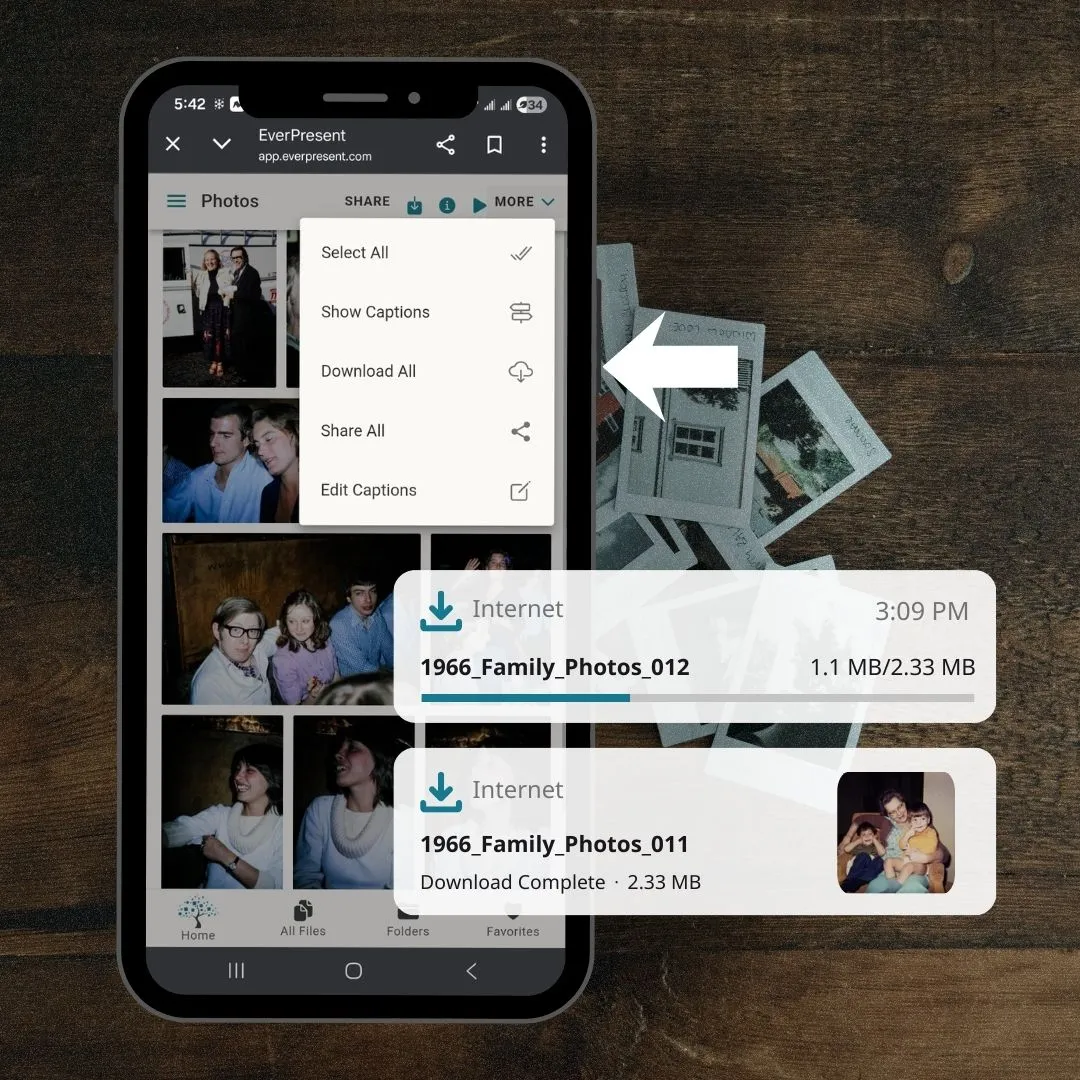
All digitizing projects include 60 days of free access to the EverPresent app. Download your archive and save a copy to any device or keep storing with us.

Download our app on Android and iOS for access on your smartphone or tablet. Easily cast to any smart devices sharing wi-fi with the app.

Share your whole collection or just one file via email, text, social media and more. All directly from the app.

Keep your photos and videos securely backed up to the cloud for as long as you want with our low monthly backup subscriptions.

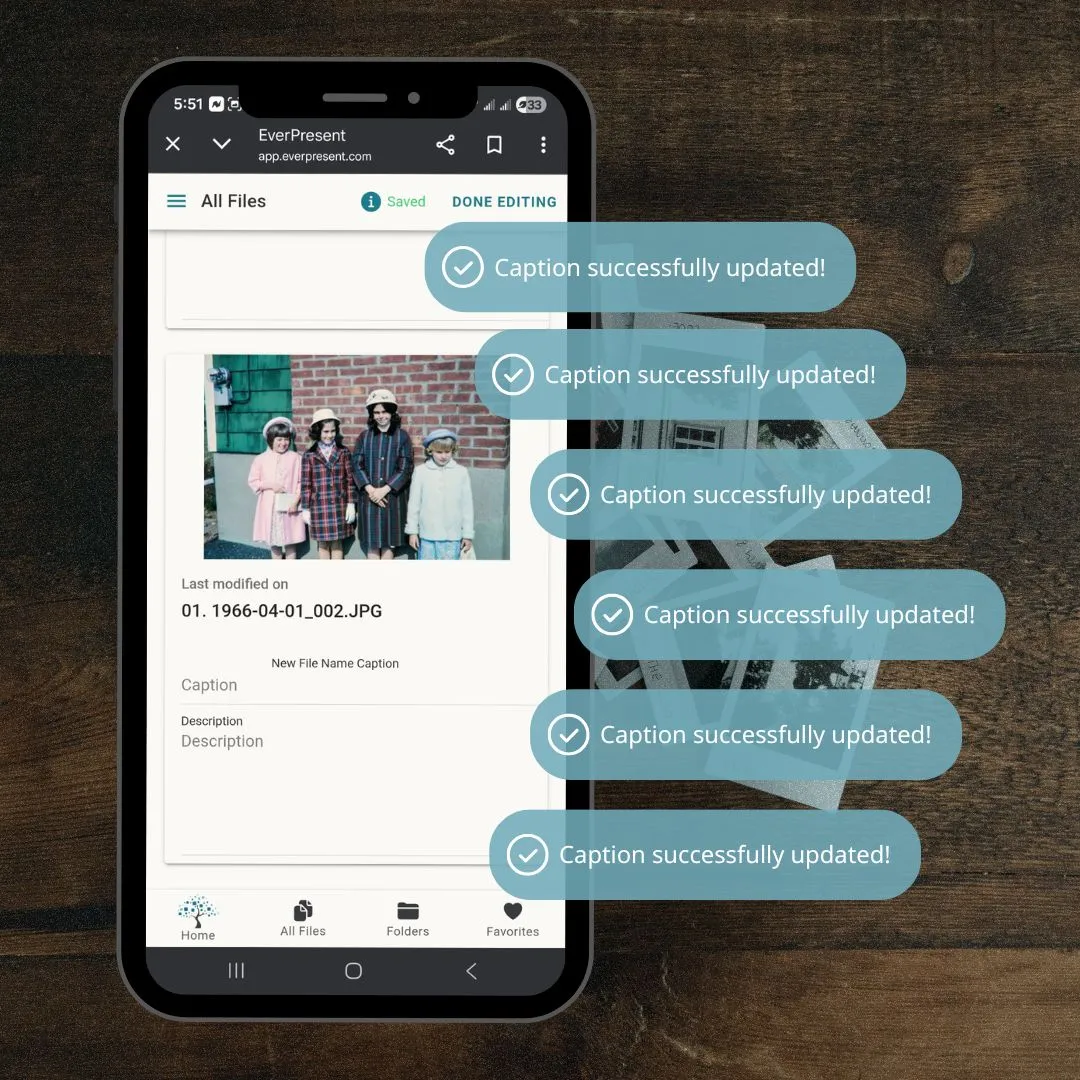
Folder and flag your favorite photos and videos. Rename, reorganize and caption. Whatever you want!

Stop Searching. Start Sharing.

Step 1
Step 2
Step 3
Step 4
Step 5

3 easy ways to digitize 8mm tapes with us
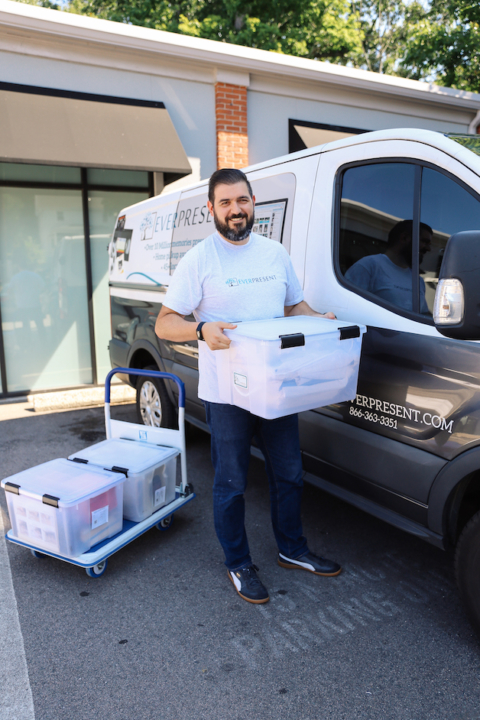
A senior EverPresent driver with a recently picked up project in front of a branded transport vehicle

HOME PICKUPS

Too many boxes to move on your own? Complimentary home and office pickups are offered along the East Coast from Maine to Florida.
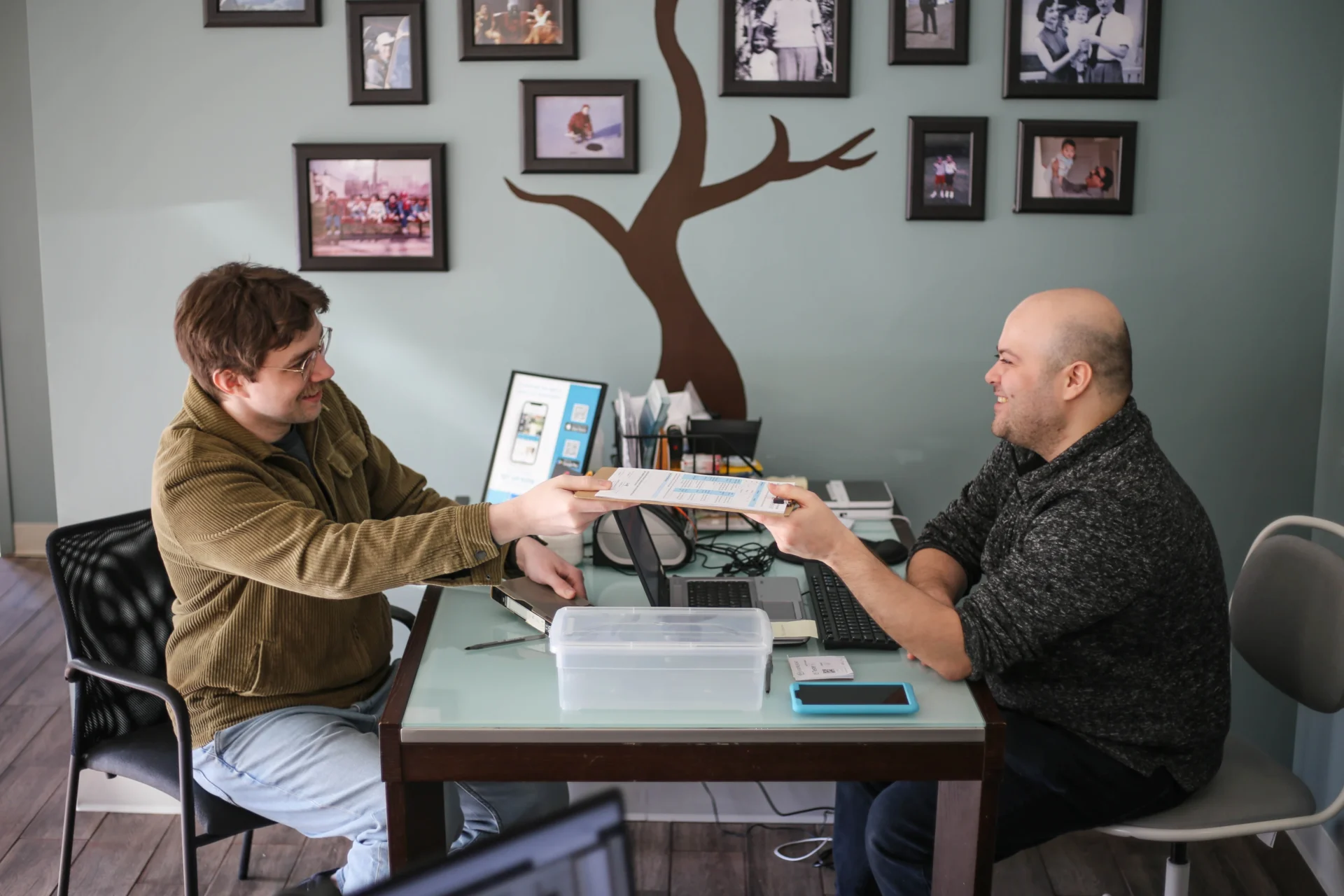
Paperwork being exchanged at a local store drop off

LOCAL STORES

130+ locations available for convenient drop-off. See which store is closest to you. Our drivers personally transport projects to our local lab for digitizing.
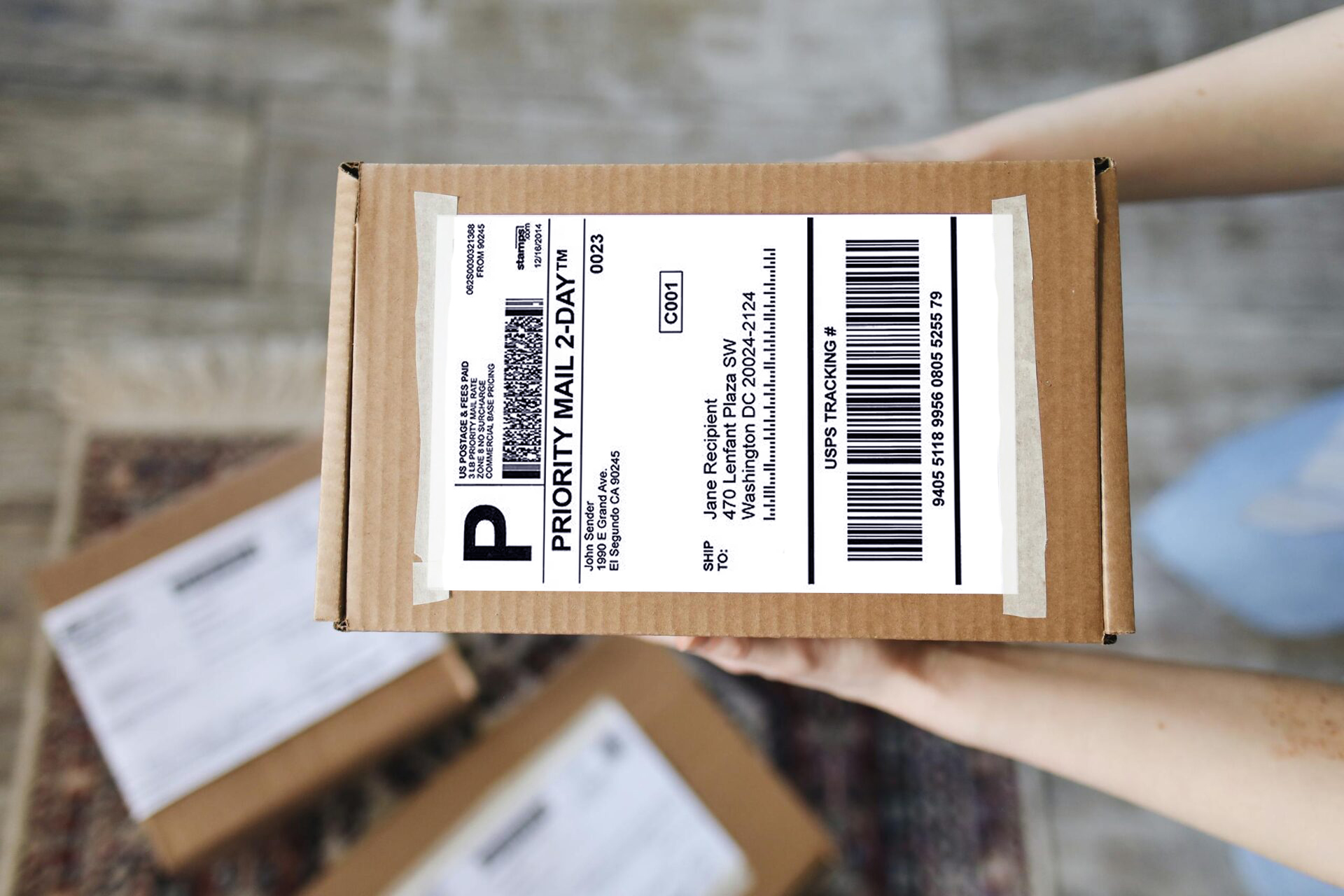
A box with an EverPresent shipping label

FREE SHIPPING

We accept mail-in orders from across the U.S. We’ll email a pre-paid UPS label or apply a shipping credit if you ship on your own.

ARRANGE SERVICE

Still have more questions about converting 8mm tapes?
866-363-3351

Call us or click Inquire below to get a free estimate. 

Click “Arrange Service” to select the most convenient option to get us your 8mm video tapes.

ARRANGE SERVICE

Comparing The Five Largest Digitizing Services

An honest comparison to help you choose the best company for your project.

How Does Digitizing Video Tapes Compare?

EverPresent is an archival grade video digitizing company that regularly works for museums and historical institutions. You will benefit from all of our next-level equipnment and advanced quality control these clients require of us.

EverPresent

LegacyBox

iMemories

ScanCafe

CVS, Walmart


Optional Upgrade


Not available


Optional Upgrade


Not available


Not available


Done for You;
Transcribed from your tapes
or included label instructions


DIY
In App Only


DIY
In App Only


Per item labeling can be requested,
up to 20 characters


Folder labels only

VHS, VHS-C, Hi8, Digital 8, 8mm
MiniDV, Betamax, Betacam, MicroMV,
U-Matic, DVCPro, HDCam, PAL

VHS, VHS-C, Hi8, Digital 8, 8mm MiniDV, Betamax, MicroMV

VHS, VHS-C, Hi8, Digital 8, 8mm, MiniDV, Betamax, MicroMV

VHS, VHS-C, Hi8, Digital 8, 8mm, MiniDV

VHS, VHS-C, Hi-8, Digital 8, MiniDV, 8mm


.mp4, ProRes, PreResHQ, JPEG2000


.mp4 only


.mp4 only


.mp4 only


.mp4 only


Repair, mold cleaning, tape incubation for sticky shed, time-based correction


None Advertised


None Advertised


None Advertised


None Advertised

Shipping & Drop-off Experience

All transport between our stores, your homes and our high-tech labs is handled by our private in-house logistics network that’s 100% devoted to safely transporting your precious photos and videos.

EverPresent

LegacyBox

iMemories

ScanCafe

CVS, Walmart


Yes. Northeast, Delaware, Maryland, Virginia, DC, Florida


Not available


Not available


Not available


Not available


Yes. Over 130 local stores.


Not available


Not available


Not available


Local stores receive
projects that are then shipped to Atlanta


Included


Included


Surcharge


Surcharge


Included


Free labels to be used on
any sized box


Fully prepaid box; size limits


Prepaid ship kit; size limits


Prepaid ship kit or mail yourself


Boxed and shipped for you at retail counter

Shopping & Service Experience

We are the only major national company that makes it 100% free to get us your project, counts everything for you, build an inventory, and provides a free estimate and personal consultation before you pay a dime.

EverPresent

LegacyBox

iMemories

ScanCafe

CVS, Walmart


Formats identified and counted for you


You do the work


You do the work


You do the work


You do the work


Free quote provided, pay after approval


Fully pre-pay before sending in your project


Pre-pay for ship kit


Pre-pay for ship kit
OR 75% deposit based on
DIY counts


Fully pre-pay before sending in your project


Choice of phone consultation or online self-service


Online shopping cart


Online shopping cart


Online shopping cart with option to call first


Online shopping cart


Download and private cloud app free for 60 days


Downloads not included in listed pricing


Download and private cloud app free for 30 days


Download from a .zip file via email or sign up for third-party hosting


Available for 60 days via Google download

*Information regarding competitors is based on public research and market knowledge available at the time of publication. Product features, and service offerings are subject to change. EverPresent does not guarantee the absolute accuracy of competitor data. Please verify all information directly with the respective service provider.

frequently asked questions about 8mm tape conversion

All 8mm tapes, whether they are Hi8 or Digital8 hold up to two hours of footage. So when you’re converting your 8mm tapes to DVD, at least one full tape always fits onto a single DVD, but it’s possible to fit more if they are not all full or dual layer DVDs are used. If you choose to transfer to a USB or external hard drive, all your 8mm tapes can fit onto a single drive!

Hi8 and Digital8 tapes look almost identical to the average user, but they will say on them which format they are. Some cameras also only took Digital8 tapes, so don’t assume digitizing is impossible if you view a tape at home in your camera and it seems blank or garbled. The camera device may not be compatible.

You’d need to still have your 8mm camcorder to watch an 8mm tape these days. Unlike VCRs, which use VHS tapes, there are not cost-effective 8mm decks to buy, but you can either watch directly on your camera using the playback options, or use cables to connect it to a TV and watch from there. Trust us though, it’s much easier to convert 8mm tapes to digital and watch your collection on your computer or a new DVD!

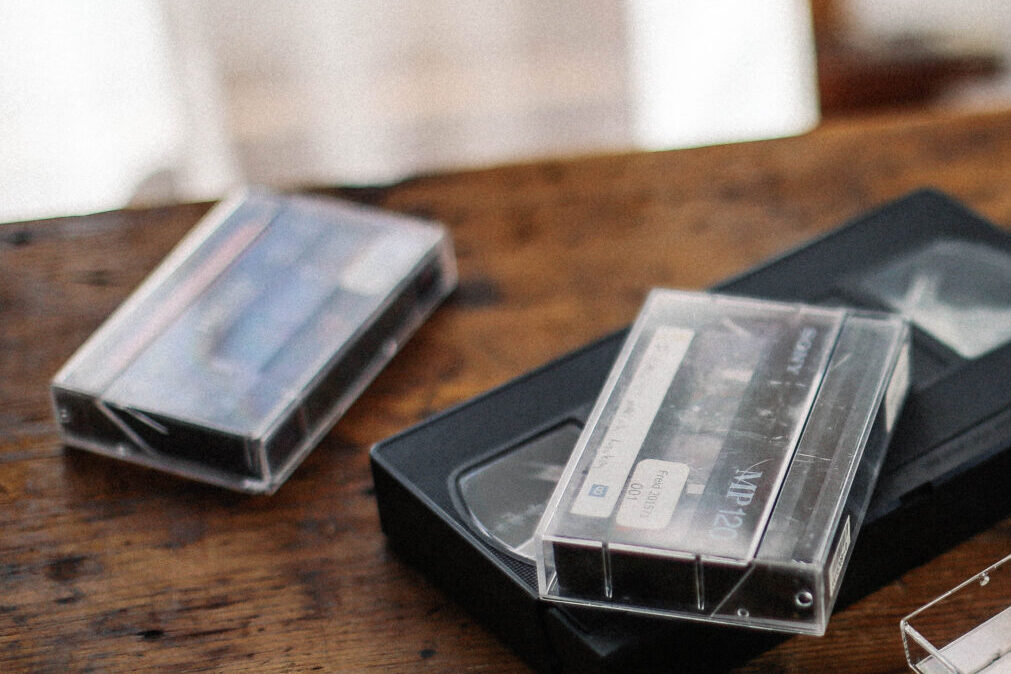
This is an important question because if you are buying a player to preview tapes at home or an 8mm tape converter digitize them at home, you want to make sure you buy the correct equipment. The simplest way is to measure the tape. If it’s roughly 2.4″ by 3.7″, then it’s an 8mm tape. That said, the 8mm video tape is very, very similar in dimensions to standard audio tapes. Our clients get this confused all the time. Therefore, do check your tapes for the label “Hi8” or “Digital8” or “8mm”. If you see any of those monikers, it means you are looking to digitize 8mm tapes and can proceed accordingly on the 8mm tape converter and other equipment front.

There’s a certain quality control aspect that you’ll get with a proper Hi8 to digital service, but in theory, you can replicate that care at home with an 8mm tape converter. The biggest difference is the equipment. Our machines for 8mm tape to DVD all-in cost over $5,000 and benefit from over $100,000 of adjacent supporting equipment and software. Part of it manifests in stable transfer connections that are superior to the USB-based at-home transfer solutions. If you are looking for the best possible files, a professional service may be able to offer you not just .mp4 h264 files, but potentially larger files like ProRes or AVI that allow for professional-level editing. People can absolutely get solid digital conversions at home, but if you hire the right service, you will get what you pay for.

You have two choices here. You can look into a proper 8mm video tape player, basically a cousin to a VCR. But they are very expensive – you’re looking at $1,000 minimum for a decent one. If you are looking to digitize over 100 tapes at home, this might be worthwhile. But for previewing files, your best bet is to actually find an old handheld 8mm camera. The 8mm cameras are much cheaper, likely under $300, and they all had preview screens and the ability to plug RCA cables into a TV to export the pictures. This is the way to go.

The decision to choose a professional 8mm tape-to-digital service vs. attempting to convert to digital at home is a tough one. If you have just a handful of 8mm tapes, it will almost certainly be more cost-effective to use a service dedicated to transferring outdated media files. If you have many dozens, you may save money at home, as long as you have the time and inclination. There’s no way to speed up the tapes, so if you have 30 two-hour Hi8 tapes, you are looking at 60 hours of babysitting the digitizing process. From a cost perspective, you may be able to set up your own rig for under $500 if you can find a decent camera online to play the tapes. It’s important to keep in mind that each tape, whether Hi8 or Digital8, is going to create a few gigabytes of data, so you need space on your internal hard drive, and likely an external hard drive of at least 250GB to store the finalized files.

A FEW MORE NOTES ON HI8 TAPES:

Hi8 tapes’ major competition for home movies came from VHS-c tapes. VHS-c were the small tapes that fit into full-size VHS adapters, which was convenient for use in the VCRs most people already owned and 8mm tapes did not. But the higher quality and 120-minute+ capacity of the Hi8 tapes (vs. the 45 minute capacity of the VHS-c tape), helped 8mm tapes become successful. However, 8mm tapes were not relevantly more durable than their VHS counterparts in terms of longevity, which means it’s time to convert your 8mm tapes to DVD or digital so they are preserved before it’s too late. They only have a shelf life of 15 years! While you prepare for this project, we recommend storing your 8mm tapes vertically, away from sunlight to keep deterioration from accelerating. We have cutting-edge 8mm tape converter solutions and can help guide you through the entire process and convert 8mm video cassettes to digital in the safest and most effective way possible.

These links will take you to short videos about our other services. You’re in good hands! Our team has decades of experience turning millions of photos and videos into beautiful digital memories that you can share with others.

Digitize Photos
Video Transfer Services
Slides to Digital
Album & Scrapbook Scanning
Film to Digital
Audio Conversion

Fill out this form or give us a call

/* 1. Force the container to respect the stack */ .eps-media { position: relative !important; width: 100% !important; aspect-ratio: 1 / 1 !important; overflow: hidden !important; border-radius: 16px !important; z-index: 10 !important; /* Ensure it sits above background elements */ } /* 2. Force images to stack and hide/show correctly */ .eps-img { position: absolute !important; top: 0 !important; left: 0 !important; width: 100% !important; height: 100% !important; opacity: 0 !important; transition: opacity 400ms ease-in-out !important; pointer-events: none !important; z-index: 1 !important; visibility: hidden !important; /* Extra layer of 'hiding' */ } /* 3. The 'is-active' class must override everything */ .eps-img.is-active { opacity: 1 !important; visibility: visible !important; pointer-events: auto !important; z-index: 5 !important; } /* 4. Ensure the actual tag fills the space */ .eps-img img { width: 100% !important; height: 100% !important; object-fit: cover !important; display: block !important; }