
During the 2000s, MiniDVD camcorders offered families a convenient way to record home videos directly onto small discs instead of videotapes. Birthdays, vacations, school performances, and other family moments could be recorded onto a disc that, in many cases, could later be played in a DVD player.
Today, MiniDVDs can be surprisingly difficult to access, particularly when the original camcorder is no longer available. One of the most common problems is a recording process called finalization, which can determine whether a disc is recognized by other devices.
Here are a few important facts about MiniDVDs:
- MiniDVDs measure 8 centimeters (approximately 3 inches) across, compared with 12 centimeters for a standard DVD.
- A typical single-layer MiniDVD holds approximately 1.4GB of data, often enough for about 30 minutes of video at standard recording quality.
- MiniDVD camcorders became popular during the 2000s, offering an alternative to MiniDV tapes and other camcorder recording formats.
- MiniDVDs come in several recordable formats, including DVD-R, DVD-RW, and DVD+RW. Compatibility and finalization requirements vary by disc type and recording mode.
- Some MiniDVDs contain playable DVD video, while others may use different recording structures or store digital files.
- An unfinalized MiniDVD may appear blank or unreadable, even when the original video recordings are still present.
How Can You Identify a MiniDVD?
MiniDVDs look like standard DVDs but are significantly smaller. They are typically labeled DVD-R, DVD-RW, or DVD+RW and may have handwritten dates or descriptions.
Many were recorded using Sony, Canon, Panasonic, Hitachi, or other DVD camcorders.
MiniDVDs should not be confused with MiniDV tapes, which are small magnetic videotape cassettes rather than discs.
What Does It Mean to Finalize a MiniDVD?
When a camcorder records onto a MiniDVD, it may leave the disc in a state that allows additional footage to be added. Finalization is the process of completing the recording structure so that other compatible DVD players and computer drives can recognize the disc.
Depending on the camcorder and recording format, finalization may create navigation information, complete the disc’s file structure, or close the recording session.
A MiniDVD that hasn’t been finalized may play correctly in the original camcorder but fail to open in a standard DVD player or computer.
An unfinalized disc is not necessarily an empty disc. The video may still be present even if another device cannot recognize it.
Can You Finalize a MiniDVD Without the Original Camcorder?
Sometimes, but it depends on the recording format and equipment used.
The original camcorder, or a compatible model, is often the most reliable way to finalize a disc. Some recording modes and disc types may also be accessible using specialized recovery software or equipment.
However, not every unfinalized MiniDVD can be recovered, and attempting to finalize or repair an unfamiliar disc without understanding its recording structure can risk altering the original data.
If your MiniDVD contains important footage, avoid formatting, erasing, or recording additional material onto it.
What’s the Difference Between a Data MiniDVD and a Playable MiniDVD?
Like full-sized DVDs, MiniDVDs can contain video formatted for traditional DVD playback or files intended for computer access.
A playable MiniDVD may contain a VIDEO_TS folder and a DVD-Video structure. A data MiniDVD may contain individual video files or other information.
Some camcorders used DVD-VR or other recording modes that aren’t compatible with every DVD player. These discs may contain perfectly usable footage even when they don’t behave like a conventional playable DVD.
What If Your MiniDVD Won’t Play?
There are several possible explanations:
- The disc was never finalized in the original camcorder.
- The DVD player or computer drive doesn’t support its recording format.
- The disc was recorded in a mode that requires compatible software.
- The disc is physically damaged or has deteriorated.
- The computer drive doesn’t support smaller 8cm discs.
Avoid inserting MiniDVDs into slot-loading disc drives unless the manufacturer specifically confirms support for 8cm media.
Can You Convert MiniDVDs to Digital Files?
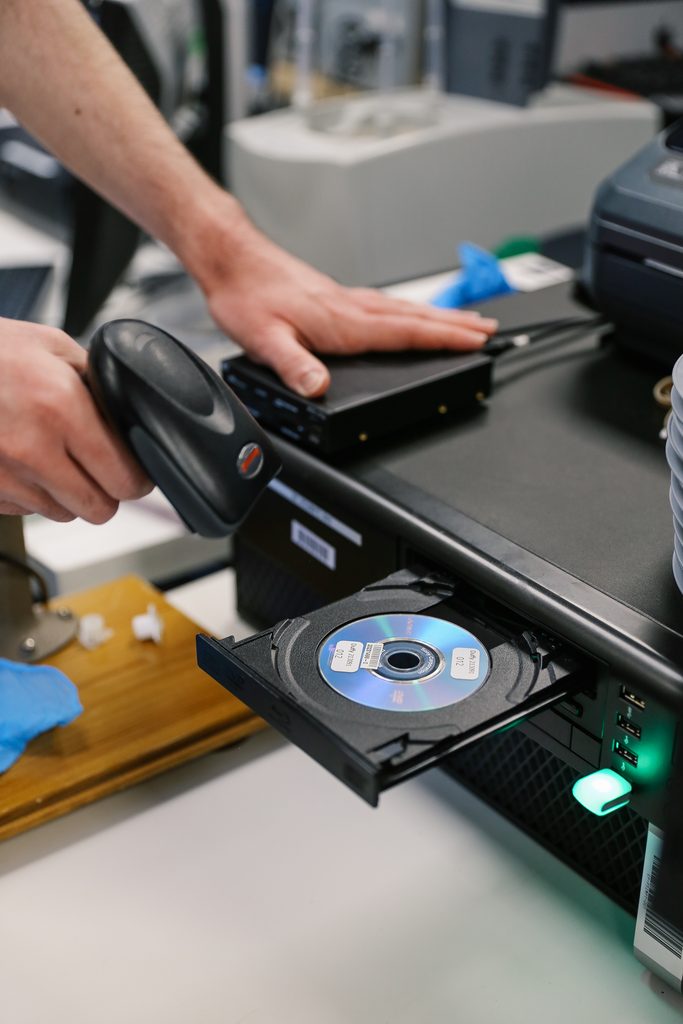
Yes. EverPresent digitizes MiniDVD camcorder recordings, helping families transfer their footage into digital video files that can be watched and shared without the original discs.
The transfer process depends on how the MiniDVD was recorded, whether it was finalized, and its physical condition. Some discs may require additional evaluation before the footage can be accessed.
If your MiniDVD won’t play, don’t assume the recording is lost. The footage may still be recoverable using compatible equipment.
Contact EverPresent at 866-363-3351 to discuss your MiniDVD recordings and available digitization options.