
Organized Digital Archives: Folders, Labels, Captions, Metadata, Scenes & more
Digitizing photos, slides, film, and home videos is only the beginning. What truly determines whether your collection is usable is how the digital files are organized. Without thoughtful organization, thousands of files quickly become impossible to navigate.
EverPresent approaches digital organization as a core part of the digitizing process. Our technicians structure folders, label files, preserve written context, and embed searchable information so your memories are easy to explore today and remain understandable decades from now. Instead of a hard drive filled with generic file names, you receive a digital archive that feels structured, searchable, and meaningful.
How We Organize Digitized Collections

By combining thoughtful folder systems, meaningful file names, searchable metadata, and preserved context, EverPresent creates collections that remain understandable and accessible long into the future.
Digitizing preserves the image.
Organization preserves the story.
Intelligent Folder Organization
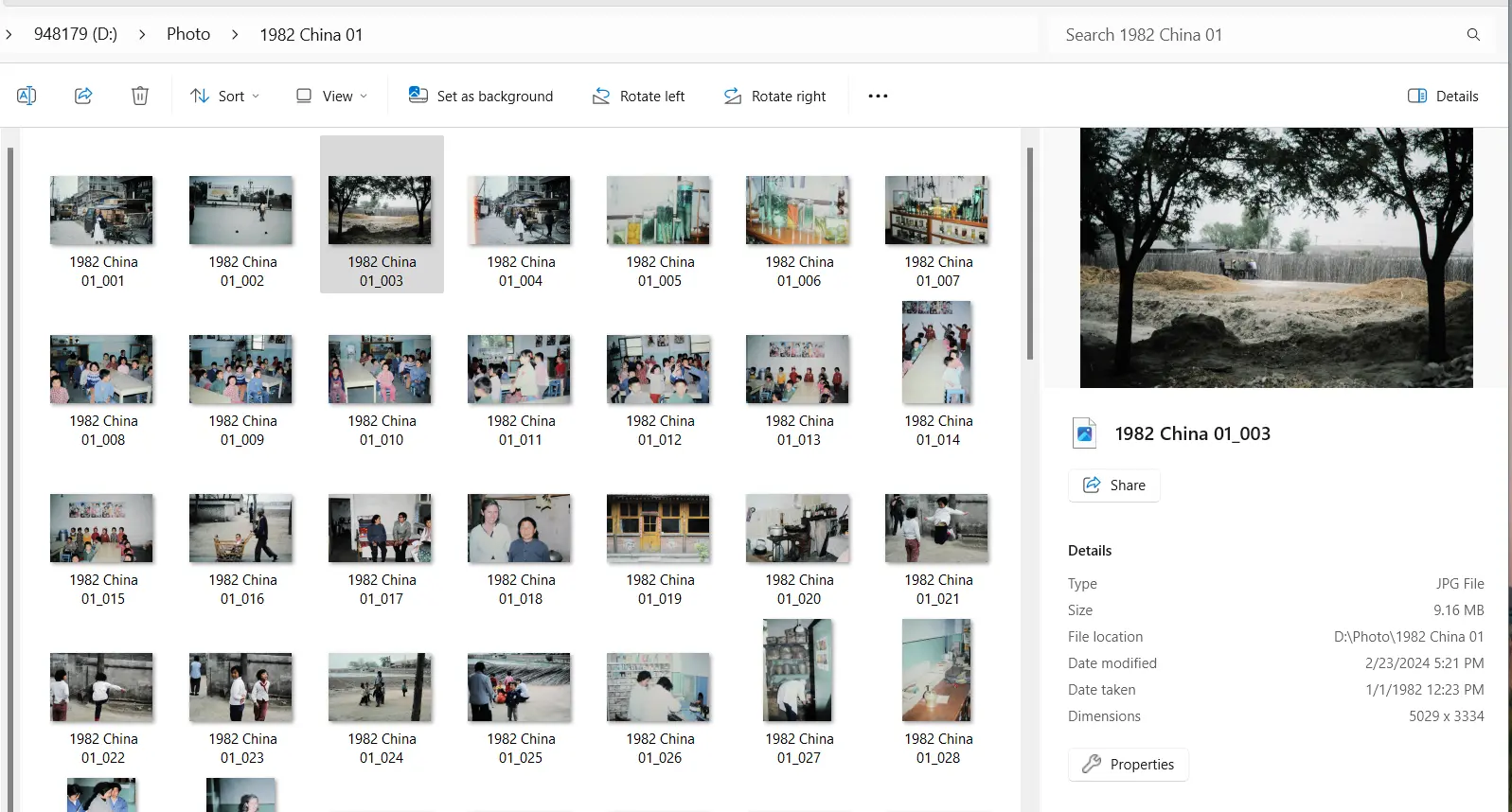
The first step in organizing a digital archive is building a folder system that reflects how the collection actually existed.
Rather than placing thousands of files in a single directory, we group memories into clear and intuitive folders.
Common folder structures include:
This structure mirrors how the collection lived physically, making the digital version feel familiar and easy to navigate.
When you open your archive, you immediately understand where everything belongs.
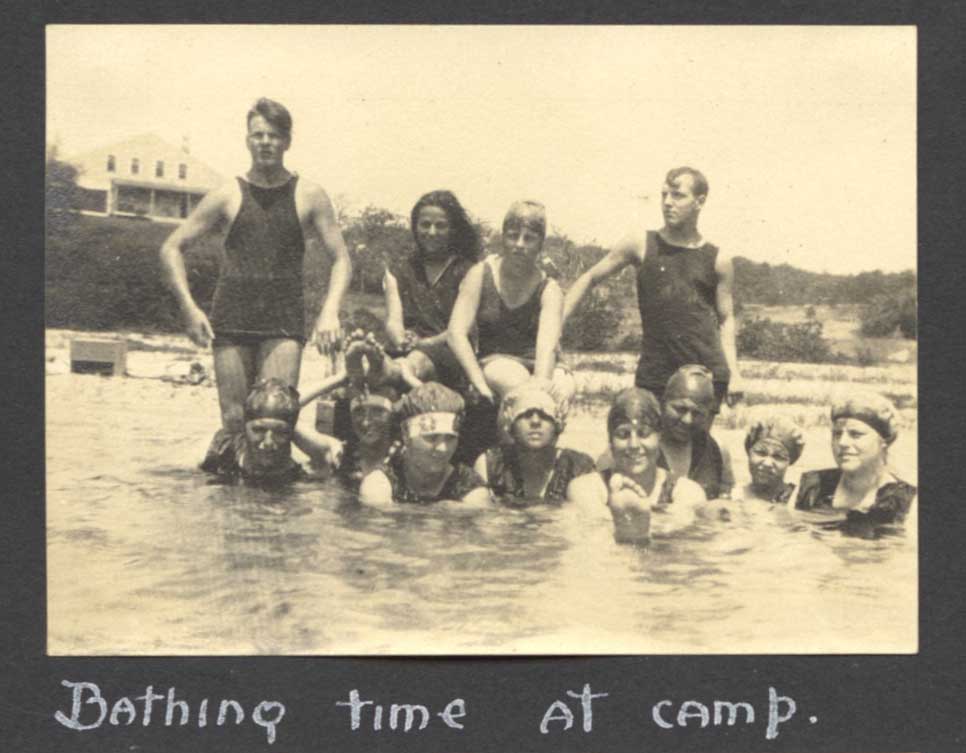
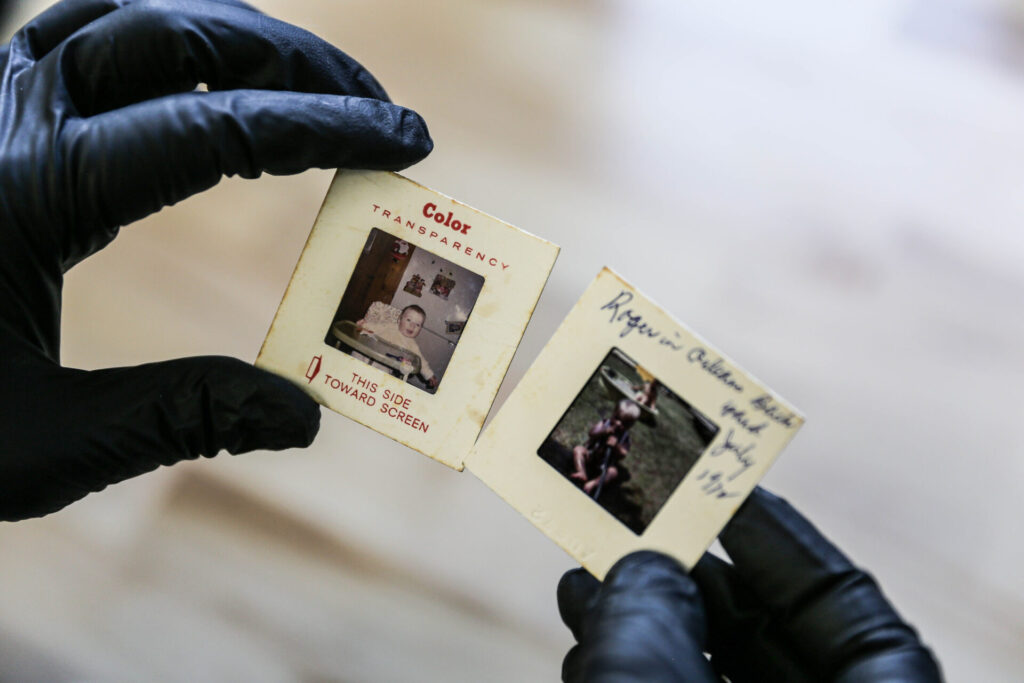
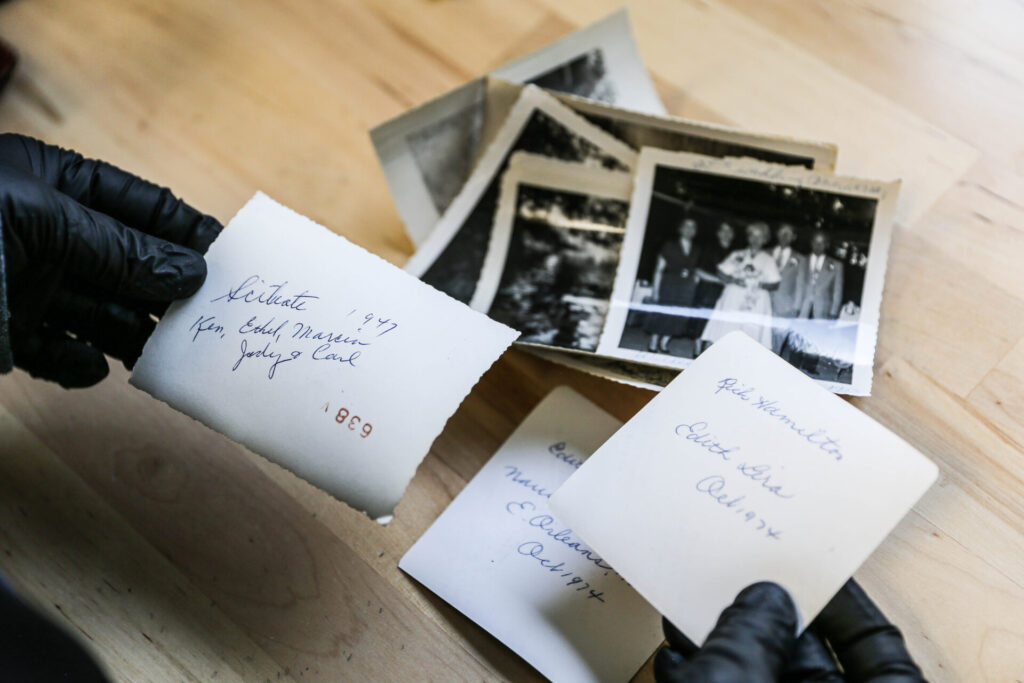
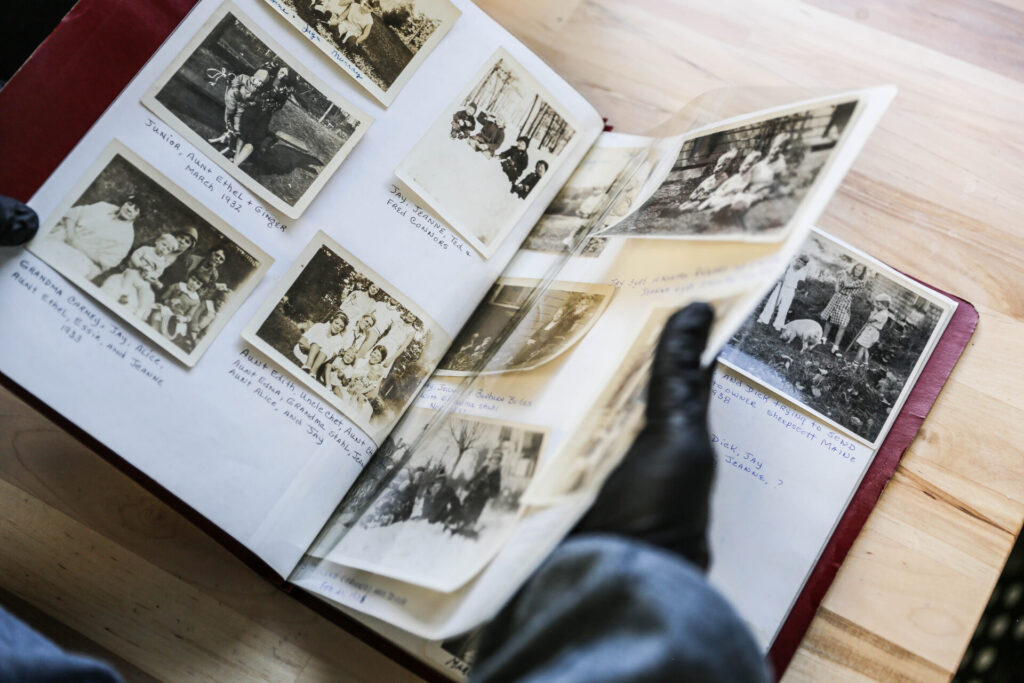
These details help preserve the story behind the memory so future generations understand what they’re looking at.
Captions & Descriptive File Labels
The stories behind memories often live in handwritten captions, photo envelopes, slide mounts, and tape labels. Our technicians capture this information during the digitizing process and incorporate it into file names, captions, or metadata. Information may appear as:
For example, a generic file name like:
IMG_00482.jpg may instead become:
1986_Family_Reunion_Lake_George.jpg
This simple change makes a collection dramatically easier to browse and understand.
Date Metadata and Timeline Organization
Modern photo platforms rely heavily on embedded date information to organize images. Whenever reliable date information exists, we are able to incorporate it into the file metadata so your memories sort correctly in digital libraries.
Sources for date information may include:
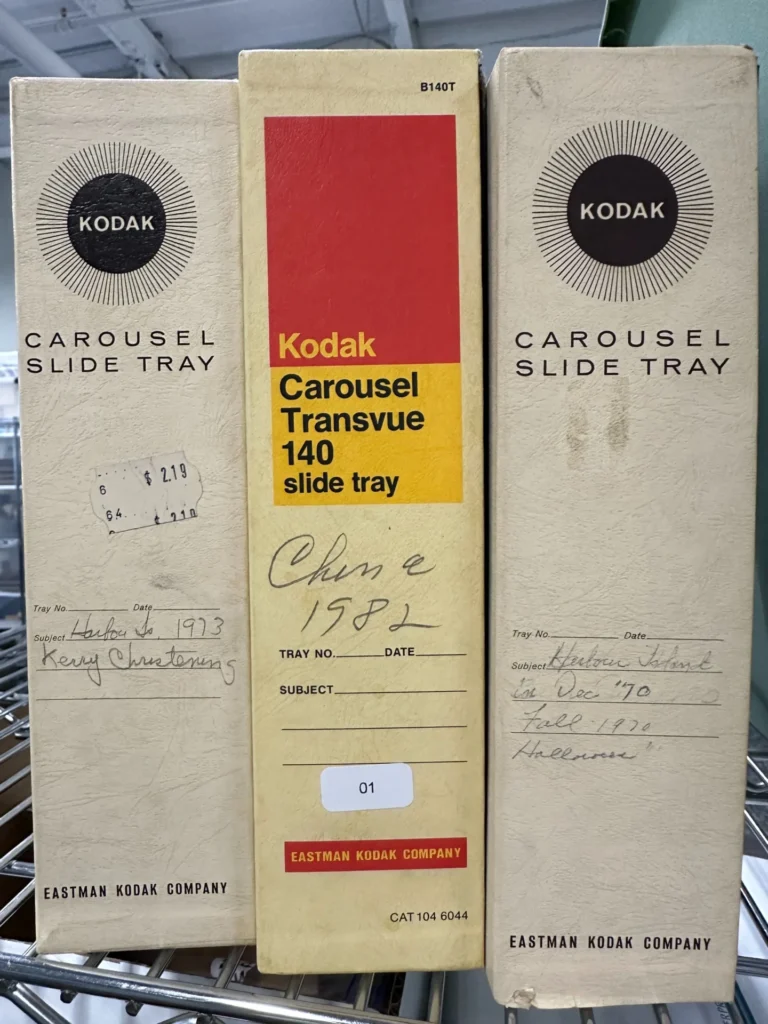
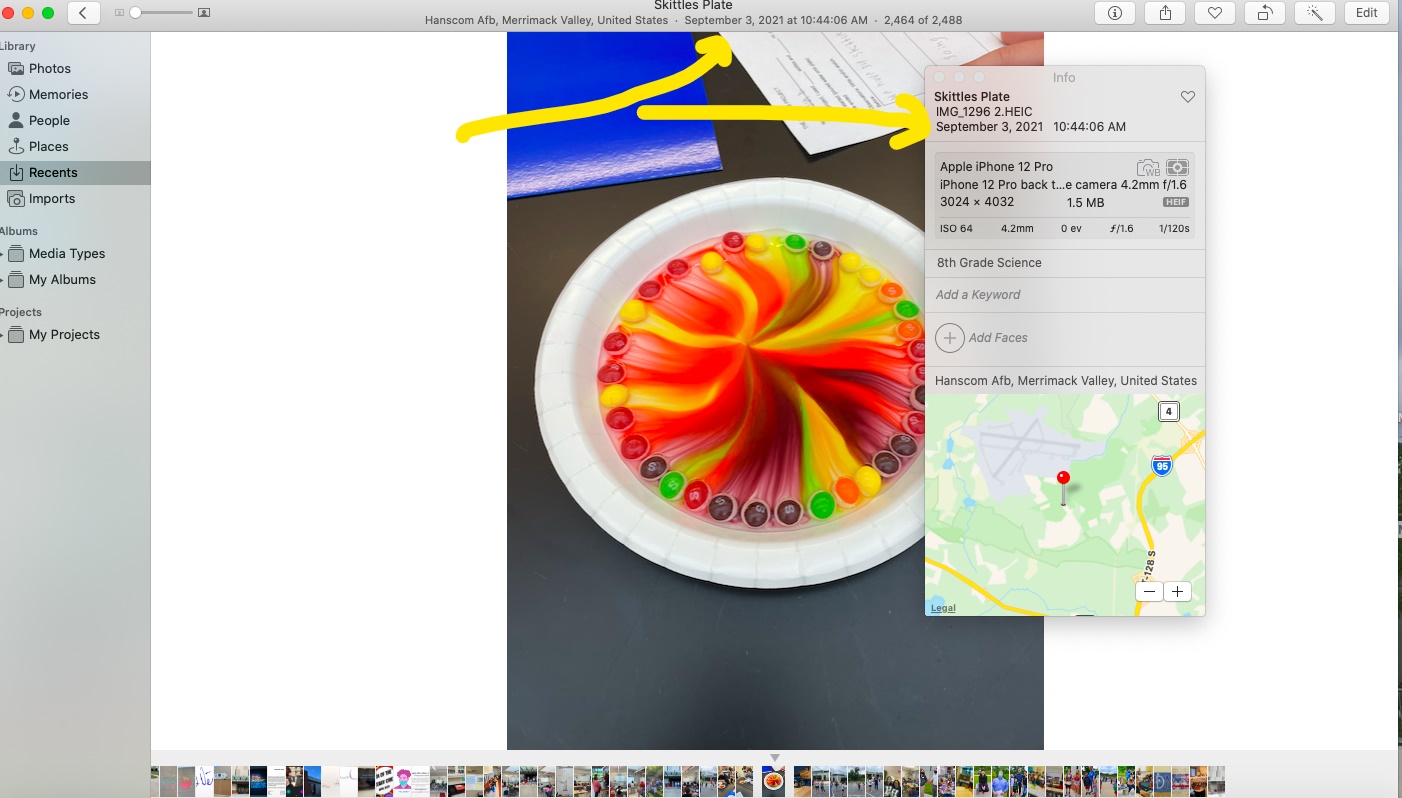
Once dates are embedded, your memories automatically organize into timelines when imported into platforms like Apple Photos or Google Photos. This allows you to scroll through decades of family history in chronological order and it begins to form a true visual timeline.
Geographic Tagging
Location is one of the most powerful ways to rediscover memories. When geographic information is available, we can embed location data into your files. Many photo platforms then allow you to explore your collection through interactive maps.
Over time, your archive becomes both a timeline and a map of your life.
This makes it possible to rediscover memories through location searches such as:
OCR & Searchable Text
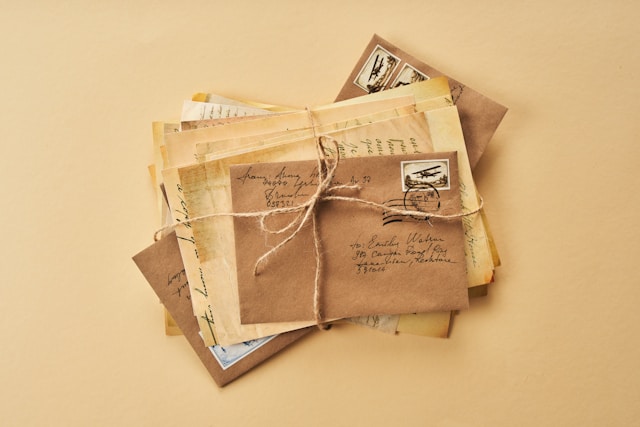
Many historical materials contain written information that would otherwise be difficult to locate later. Using Optical Character Recognition (OCR), we can extract text from scanned materials and make it searchable.
This process can recognize text from:
Once processed, you can search your archive for a name, place, or phrase and instantly find the relevant files. Instead of manually browsing thousands of images, your collection becomes searchable like a digital library.
Track Splitting & Event Splitting
Home movies and audio recordings often contain multiple events or tracks on a single tape. Rather than delivering one long recording, we can split music tracks. We can also divide hours of video into meaningful segments based on the content.
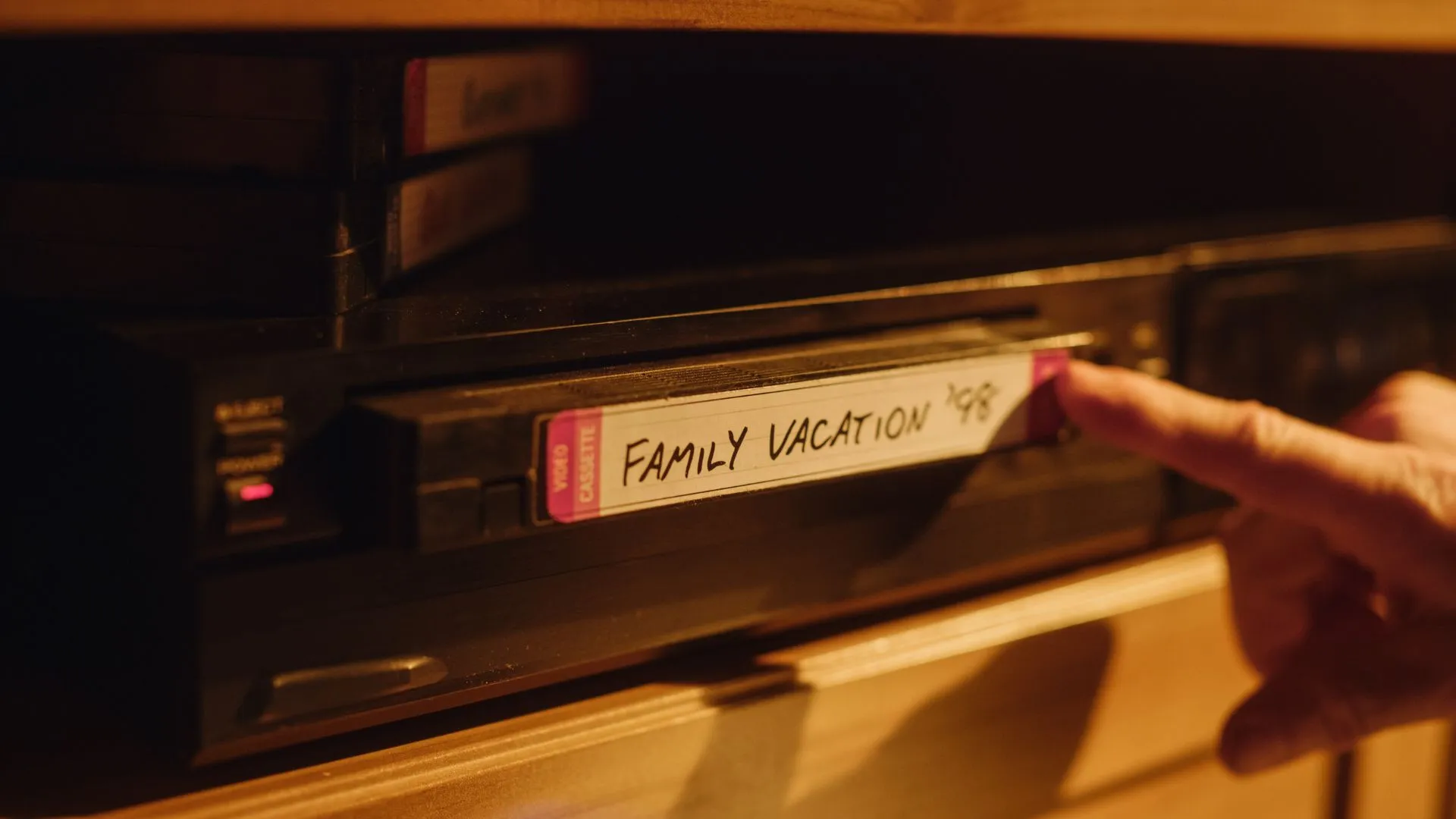
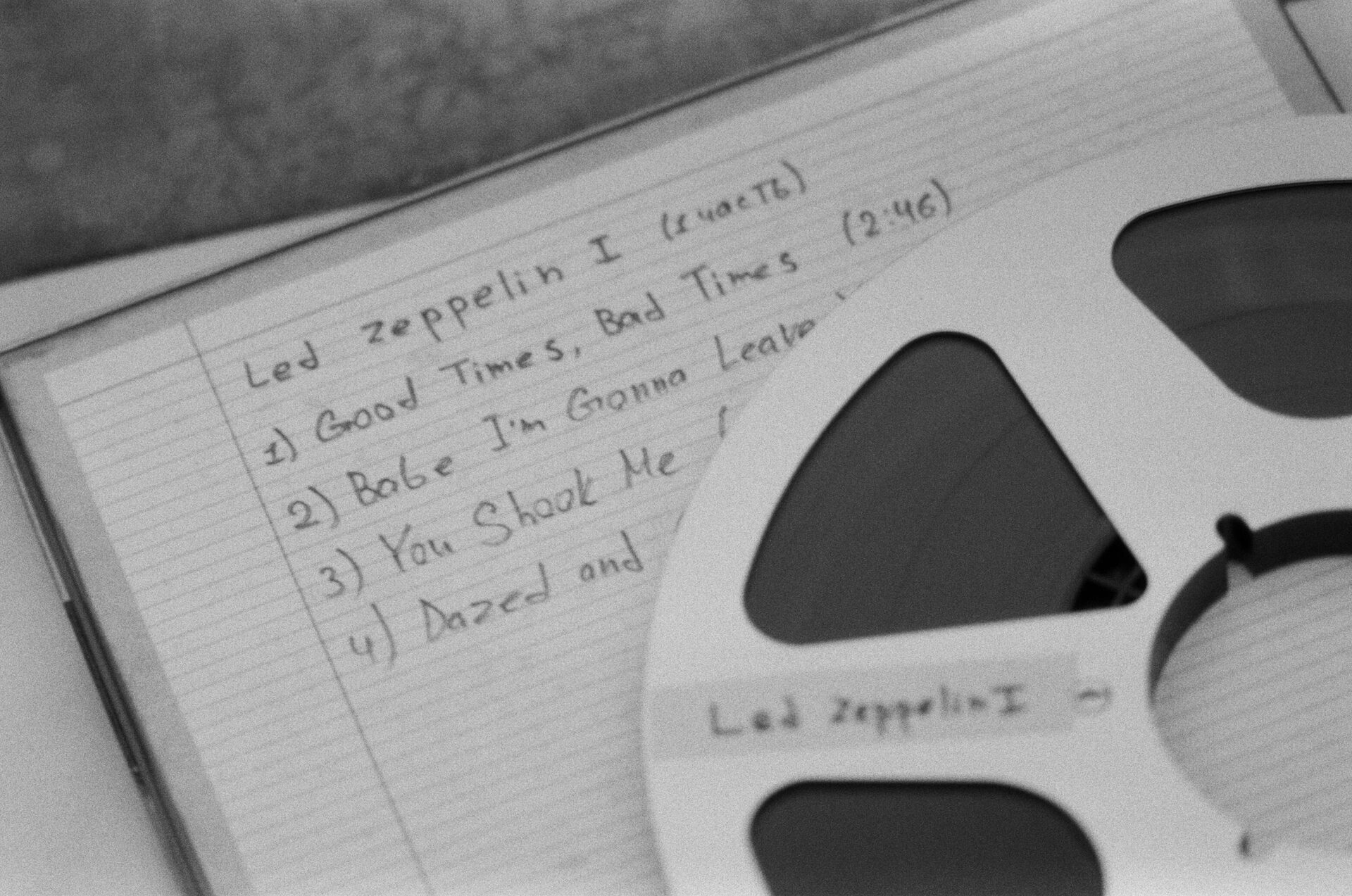
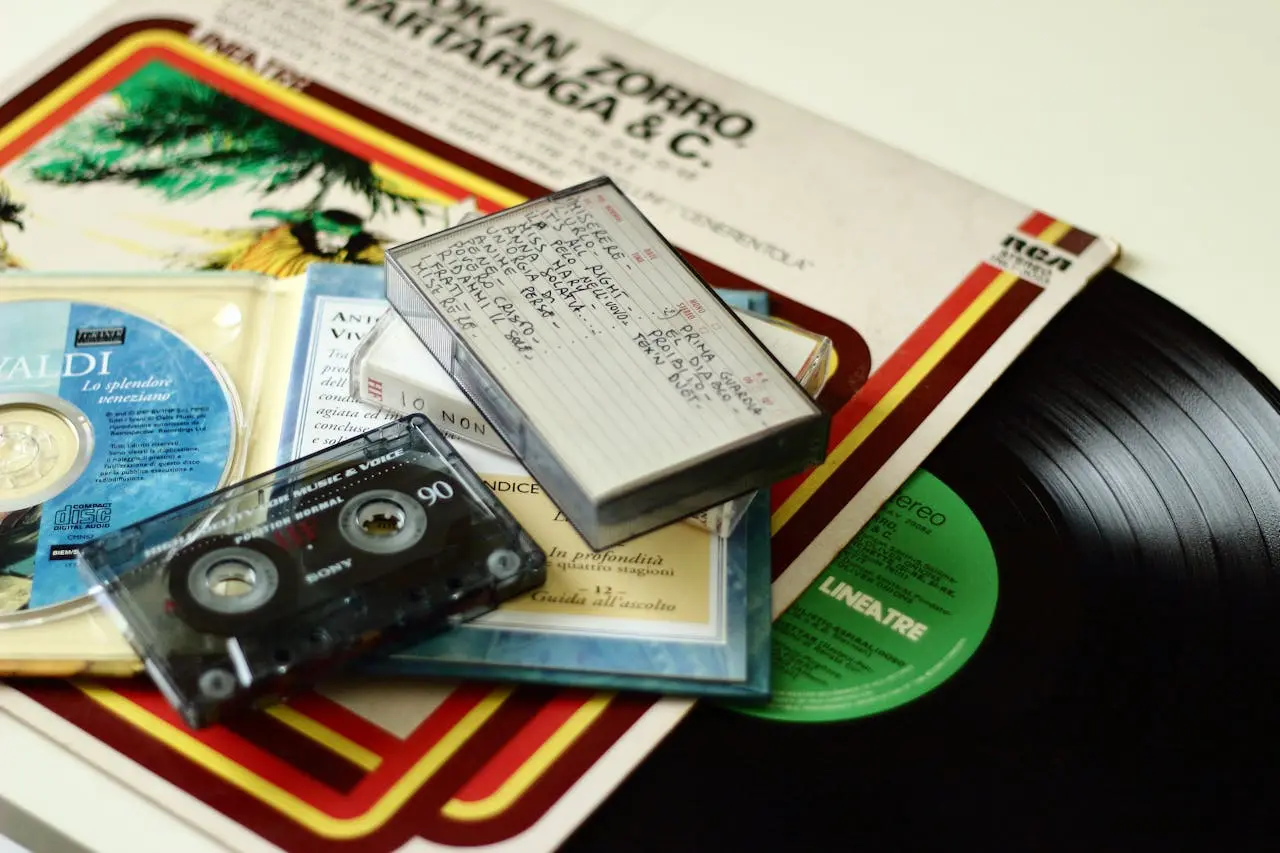
This makes it easy to jump directly to important moments instead of scrolling through hours of footage.
The difference between a pile of files and a true digital archive is organization.
Bring order to your family archive.
866-363-3351
Call us or click Inquire below to get a free estimate. Our consultation process helps design the best structure for your collection before digitizing begins.
Click “Arrange Service” to select the most convenient option to get start.